
OpenAI is rolling out dots, a personal ChatGPT assistant for ongoing projects, to eligible ChatGPT Business Standard members in the United States, and it has an admin help page for eligible Enterprise, Edu, and Healthcare workspaces. Before anyone on your team creates a dot, run 5 admin checks: who can use dots, whether a dot can be added to Slack, what it can reach on a computer, which apps and password manager it can use, and how you will pause or remove one.
What are ChatGPT dots?
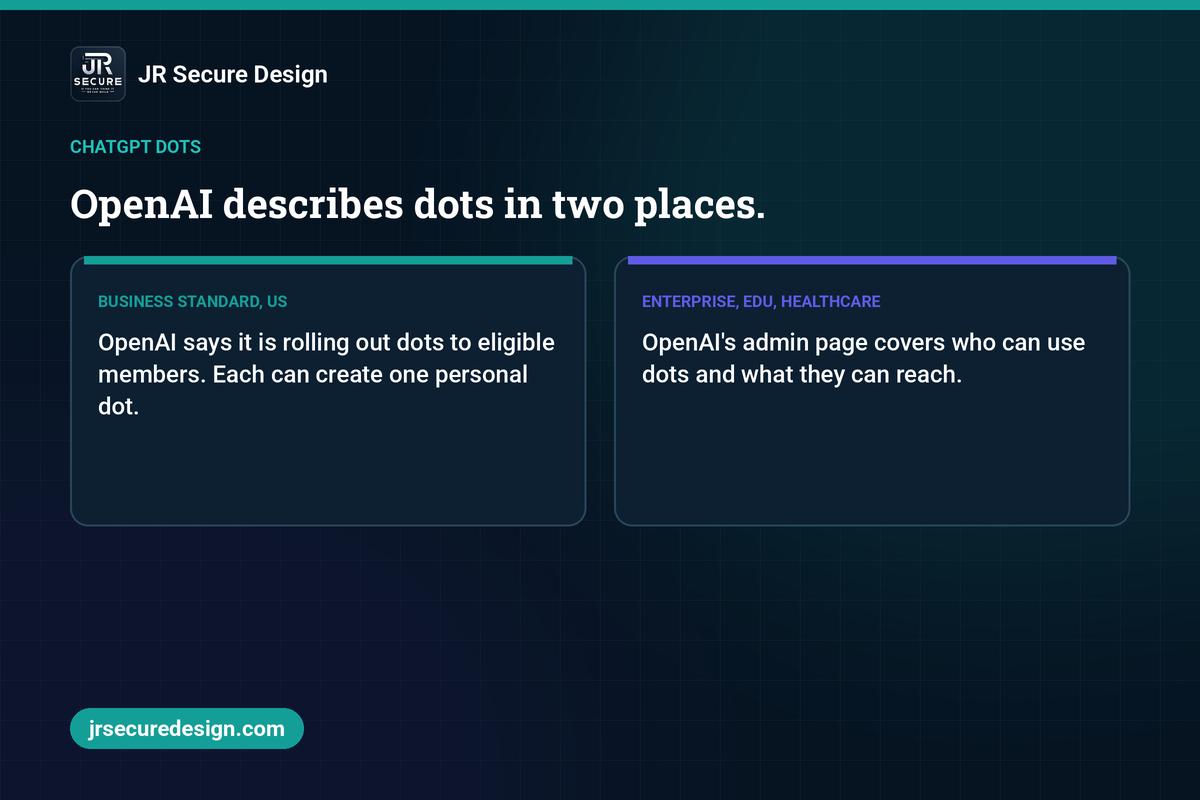
OpenAI’s ChatGPT Business release notes for Nov 19, 2026 say OpenAI is rolling out dots to eligible ChatGPT Business Standard members in the United States. Once someone has access, they can create one personal dot in the Business workspace and ask it to help with ongoing projects, like preparing a weekly update. OpenAI says usage limits apply.
OpenAI’s admin page, Managing dots in ChatGPT workspaces, covers eligible ChatGPT Enterprise, Edu, and Healthcare workspaces. It says the admin preview runs until Nov 18, 2026, when dots become available by default unless your workspace admin opts out. Check what your workspace shows today. The page also says enabling access does not create dots for members; each member creates their own through onboarding.
Those two pages describe different plans, so start by finding out which one is yours. The checks below come from the Enterprise, Edu, and Healthcare page. Screens on other plans may differ, so confirm each setting in your own admin console.
Check 1: Who can use dots?
OpenAI says workspace owners control who can use dots and which capabilities are available to them. The setting is under Workspace settings, then Permissions & roles, with a workspace default and custom roles that can give specific members or groups different access.
Check the default and every role. OpenAI notes that a role that grants access can still allow a member to use dots even if another role has the permission turned off. If you want to remove someone’s access, remove every grant that applies to them.
Check 2: Can a dot be added to Slack?
A separate permission lets a dot be added to supported Slack workspaces and post with its own identity, where available. OpenAI says both permission to use dots and permission to add dots to Slack must be on for the member, and the member then completes the Slack setup.
Two details matter for a small team. Only a dot’s owner can direct it, but when a dot posts in a channel, other channel members can see its messages. And if your Slack workspace restricts app installs, a Slack owner or app manager has to allow the installation.
Check 3: What can a dot reach on a computer?
OpenAI lists two kinds of reach. The first is local computer access, which lets a dot use a member’s local files and run commands on their computer. The member must also connect their computer, keep it online, and keep the ChatGPT app open. OpenAI says this is off by default for Enterprise.
The second is cloud computer settings: cloud browser use, cloud network access, and cloud computer use. OpenAI says these apply to dots even when its Work or Work Cloud features are disabled, and that a dot’s cloud computer does not automatically inherit a member’s local VPN, browser sign-ins, or device policies. Decide which of these your team needs before you leave them on.
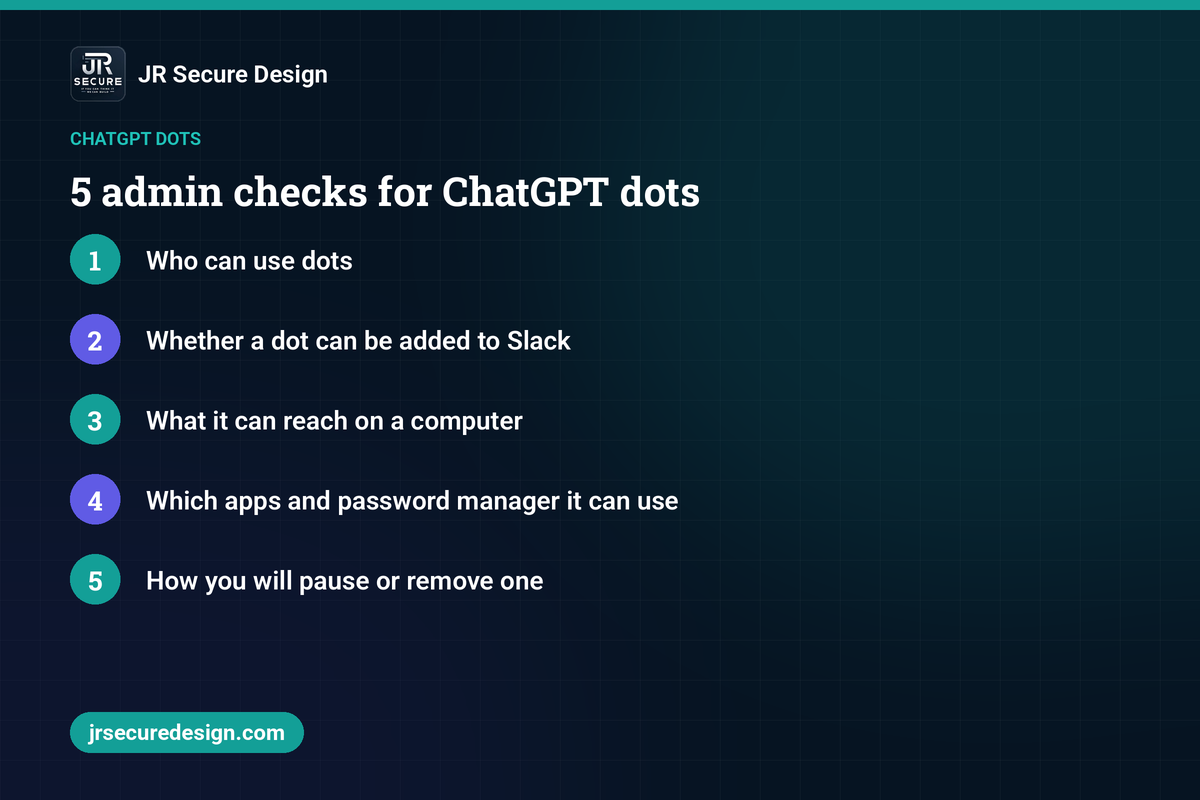
Check 4: Which apps and password manager can a dot use?
Use password manager is a separate control from cloud browser use. OpenAI also says enabling dots does not grant access to every app or website. Supported app connections a member already uses in ChatGPT may be available to their dot, plugin controls decide which apps are available, app permissions decide when an app action needs a confirmation, and each connected service’s own sign-in limits what the dot can do. Review those settings separately from dots access.
A custom-rules permission lets members add or edit rules that guide their dot’s actions and confirmations. OpenAI says it is off by default for Enterprise, and that custom rules cannot override built-in safeguards.
Check 5: How will you pause, review or remove a dot?
OpenAI says workspace owners and admins can review all personal dots in the workspace, including who created each one, whether it is active or paused, and its Slack connection status. Admins can pause and resume a dot, and when an admin pauses one, its owner cannot resume it until the admin removes the pause. Workspace owners can delete a personal dot.
Know the limits. OpenAI says pausing a dot does not delete its stored information or undo completed actions, and that separate Work or Codex tasks and independently scheduled tasks may continue. Removing or deprovisioning a member revokes their access but does not automatically delete their dot. Workspace audit logs capture admin actions such as pause, resume, and delete. Members use Pause, Activity, and Scheduled for their own dots, and workspace admins do not get those personal views.
What should you write down?
Put the answers on one page: who may create a dot, which apps and computers it may reach, who reviews the list of dots, and what happens to a dot when someone leaves. If a dot will send, pay, delete or share on its own, our guide to human in the loop for AI agents and the AI agent permissions checklist can help you set the limits. For the bigger question of how ChatGPT plans handle your data, see Is ChatGPT safe for business?
ChatGPT dots: frequently asked questions
What are ChatGPT dots?
OpenAI describes dots as personal assistants you can ask to help with ongoing projects, like preparing a weekly update. Once someone has access, they can create one personal dot in their Business workspace. OpenAI says usage limits apply.
Are ChatGPT dots available to my workspace?
OpenAI says it is rolling out dots to eligible ChatGPT Business Standard members in the United States, and it has an admin page for eligible Enterprise, Edu, and Healthcare workspaces. Check your own admin console to see what applies to your plan.
What admin controls do ChatGPT dots have?
On the Enterprise, Edu, and Healthcare page, OpenAI lists controls for who can use dots, adding dots to Slack, local computer access, custom rules, cloud browser use, cloud network access, cloud computer use, and the password manager. Confirm what your plan shows.
Can an admin pause or delete a ChatGPT dot?
OpenAI says workspace owners and admins can pause and resume a personal dot, and workspace owners can delete one. Pausing does not delete its stored information or undo completed actions.
Is ChatGPT safe for business with dots?
It can be, on a business plan with admin controls and a clear AI policy. Decide who may use dots and what they may reach before anyone creates one. See our guide, Is ChatGPT safe for business?
Check the settings before the first dot
Dots are new, and OpenAI is rolling them out to eligible workspaces. You do not need to guess at the settings. Run the 5 checks: who can use dots, Slack, computer access, apps and the password manager, and how you will pause or remove one.
Want a second look at your ChatGPT admin settings?
If you want a second look at your ChatGPT admin settings, book a call.
JR Secure Design builds AI and security programs aligned to NIST AI RMF and ISO/IEC 42001. More at jrsecuredesign.com.