
AI attackers go for your side doors: the forgotten logins, old accounts, and unused integrations that get less attention than your main website or email. In FLASH-20261113-001, dated November 13, 2026, the FBI describes an open-source, LLM-driven agent framework, ARTEX, that threat actors have used to automate intrusions “from reconnaissance through data exfiltration.” The FBI says the framework “excels at identifying and exploiting peripheral systems receiving less security attention than flagship applications,” and that some intrusions have gone “from initial targeting to privileged access in under three hours.” This post names 5 logins a small business can check this week.
Key takeaways
- AI attackers go for your side doors: partner portals, leftover employee apps, legacy services, integrations, and internet-exposed tools.
- In FBI FLASH-20261113-001 (Nov. 13, 2026), the FBI describes ARTEX, an open-source AI agent framework used to automate intrusions.
- The FBI says some intrusions have gone from initial targeting to privileged access in under three hours.
- Start with 5 forgotten logins this week. You do not need a full audit to make a first pass.
- The same FBI FLASH cites a supply chain compromise affecting ConnectWise Cloud Backup customers, with attempted sign-ins to more than 2,250 downstream tenants.
Our overview of AI security for small business covers the wider program. This post is about the side doors that program should include.
What are AI attack side doors?
AI attack side doors are the leftover logins around the edge of your business that get less attention than your main site or mailbox. The FBI’s November 13, 2026 FLASH points to peripheral systems such as partner portals, employee apps, legacy services, third-party integrations, and internet-exposed or self-service tools. Those are the 5 forgotten logins to check.
A side door is usually something you stood up for a good reason: a vendor portal from a project last year, an employee app nobody has opened since a staff change, or an integration that still has access after the tool was dropped. The login still works. The owner is unclear. That is what makes it easy to overlook.
Why do AI attackers go for side doors?
Because those systems often have real access and weaker oversight than the tools you use every day. The FBI says the framework “excels at identifying and exploiting peripheral systems receiving less security attention than flagship applications.” The risk is an old portal or leftover integration, not a dramatic Hollywood scene.
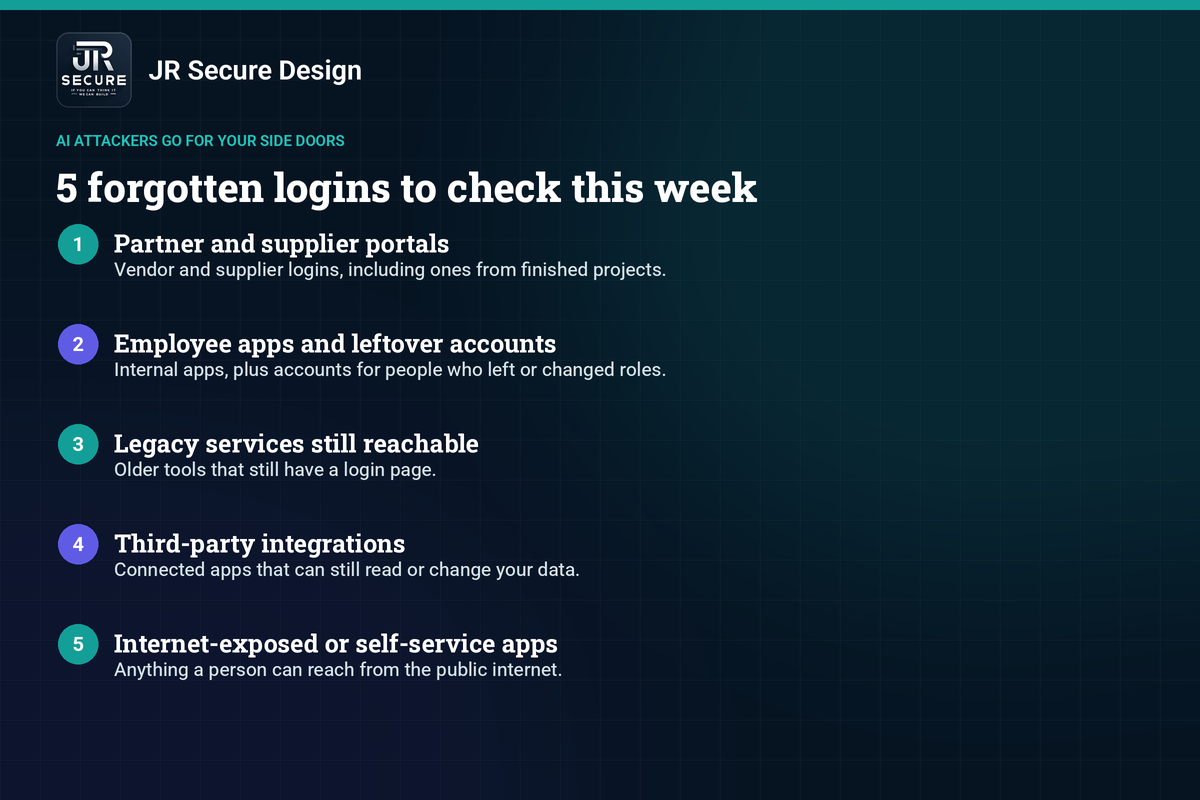
5 forgotten logins to check this week
These 5 are grouped from the kinds of peripheral systems the FBI says these tools excel at finding. The number 5 is our checklist, not a count in the FLASH.
- Partner and supplier portals. Vendor, partner, and supplier logins, including ones from a finished project.
- Employee apps and leftover accounts. Internal apps, plus accounts for people who have left or changed roles.
- Legacy services still reachable. Older tools that still have a login page, even if you rarely use them.
- Third-party integrations. Connected apps and automations that can still read or change your data.
- Internet-exposed or self-service apps. Anything a person can reach from the public internet, including self-service portals.
Do you need to check all 5 if you only use a few online tools?
Yes, if any of those 5 still has a login, even one you have not opened in months. A small office can finish a first pass by writing down each portal, app, legacy service, integration, and public-facing tool you can name, then marking who owns it and whether it is still needed. Skip anything already retired and fully turned off.
How quickly can this kind of intrusion move?
Faster than a typical small-business response window. The FBI writes that some ARTEX intrusions have gone “from initial targeting to privileged access in under three hours.” That wording is “some intrusions,” not all of them, and not a claim about every small business. The practical takeaway is to find forgotten logins before someone else does.
The same FLASH also says that, as of early November 2026, researchers identified over 1,600 publicly exposed ARTEX console instances, and that total deployments are likely higher when systems behind firewalls are included. That figure describes exposed copies of the framework, not a count of victims. It is one reason the FBI is telling organizations that run internet-exposed apps, self-service portals, cloud infrastructure, and partner or supplier systems to tighten those surfaces.
The FLASH also cites “a supply chain compromise affecting ConnectWise Cloud Backup customers that resulted in attempted sign-ins to more than 2,250 downstream tenants.” That is a vendor-side example of a side door: a connected backup app, rather than your front-door website. For the wider picture of AI-driven attacks, see our post on autonomous AI attacks. This post stays on the 5 logins you can check yourself.
How do you check those 5 side doors this week?
Write down every login in those 5 groups, name an owner, and turn off anything you no longer need. The steps below are a high-level first pass from the FBI FLASH: inventory those systems, limit who can reach admin interfaces, and apply least privilege to app permissions. You are closing obvious gaps, not running a penetration test.
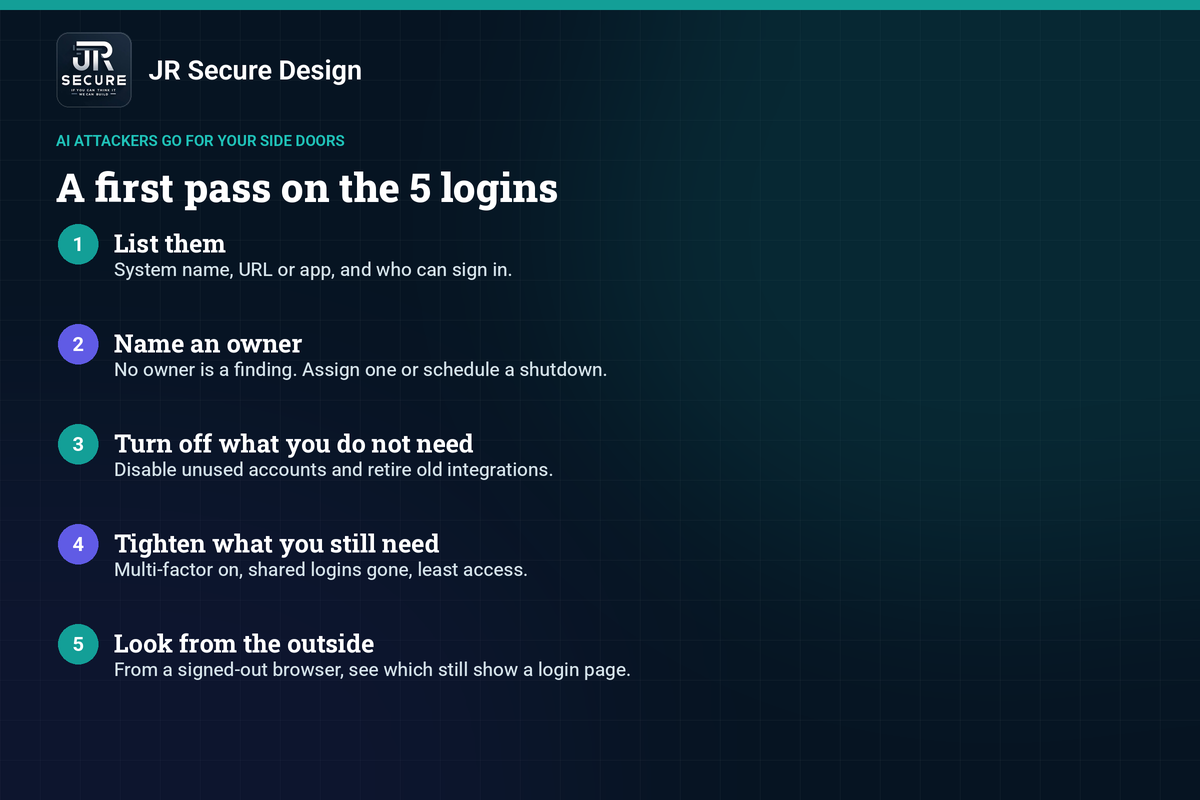
A first pass on the 5 logins
- List them. For each of the 5 groups, write the system name, the URL or app, and who can sign in.
- Name an owner. If nobody owns it, treat that as a finding. Assign a person or schedule it for shutdown.
- Turn off what you do not need. Disable unused accounts and retire integrations you no longer use. Keep a short record of what you turned off.
- Tighten what you still need. Confirm multi-factor sign-in is on, that shared logins are gone, and that the account can do only the job it is for.
- Look from the outside. From a browser that is not already signed in, see which of those 5 still presents a public login page.
If one of those integrations is an AI agent, keep a person in the loop for anything it can’t undo. See our guide to a human in the loop AI agent.
Quick check
If a vendor, a former employee, or an old integration still has a working login, that is a side door. Put it on the list this week.
If you want a structured look at the AI tools and connected apps you already run, see our AI security assessment.
What should you do if you find a forgotten login that looks wrong?
Pause day-to-day use until you know who still has access, keep a short record, and get help if activity looks suspicious. Turn off unused access, and rotate passwords or keys for anything that must stay on. If odd sign-ins cannot be explained, report them to your local FBI Cyber Squad and to ic3.gov.
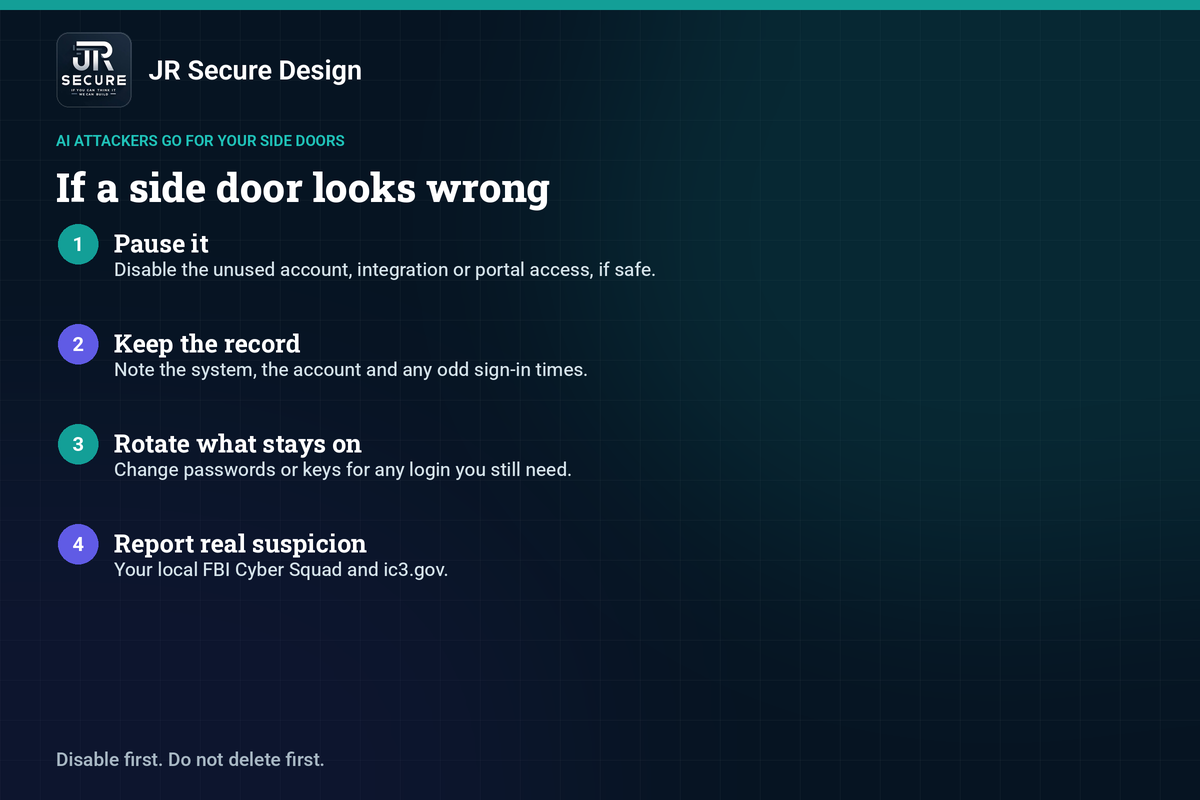
If a side door looks wrong
- Pause it. Disable the unused account, integration, or portal access if you can do that safely.
- Keep the record. Note the system, the account, and any odd sign-in times. Do not wipe logs to “clean up.”
- Rotate what stays on. Change passwords or keys for any leftover login you still need.
- Report real suspicion. Use your local FBI Cyber Squad and ic3.gov when activity looks criminal or you cannot explain it.
Do not test someone else’s system, and do not try to “break in” to prove a point. This is a review of logins you already own.
AI attackers go for your side doors: frequently asked questions
Is this only a problem for large companies?
No. A small office often has more leftover vendor portals and unused integrations than it thinks, and fewer people to notice them. The FBI FLASH is written for organizations in many sectors, including those running partner systems and internet-exposed apps. The 5 checks in this post are sized for a small business that can make a first list this week.
Does turning on multi-factor sign-in close all 5 side doors?
No. Multi-factor sign-in is worth turning on for every login you keep, but it does not retire an app you no longer need, and it does not remove an integration that still has its own access. Close the unused doors first, then tighten the ones you still use. Shared or leftover accounts should go, even if multi-factor is on.
What if I do not have an IT team?
You can still make the list. Write the 5 groups on one page, walk through your vendors, employee apps, and connected tools, and mark what is still needed. If a login is hard to turn off, or you see sign-ins you cannot explain, bring in your IT provider or book a call and work from that list.
Should I delete an old app as soon as I find it?
Not if you think someone has already used it in a way you cannot explain. For a quiet leftover login with no odd activity, retiring it and removing unused access is the aim. If you see suspicious sign-ins, keep a record of what happened, then get help. Disable first; do not delete first.
How often should I repeat the 5 checks?
Do a full pass now, then repeat when you add a vendor, a new integration, or a staff change, and at least on a regular calendar reminder. New side doors appear when a project ends and the portal stays up. The 5 groups stay the same. The list of systems will change.
Want help mapping the side doors in your stack?
Ask Sophia, our free AI advisor, at jrsecuredesign.com/sophia, or talk with James.
JR Secure Design builds AI and security programs aligned to NIST AI RMF and ISO/IEC 42001. More at jrsecuredesign.com.