
Test AI before it touches client data, not after.
- 5 things it tests
- What you get
- Who needs one
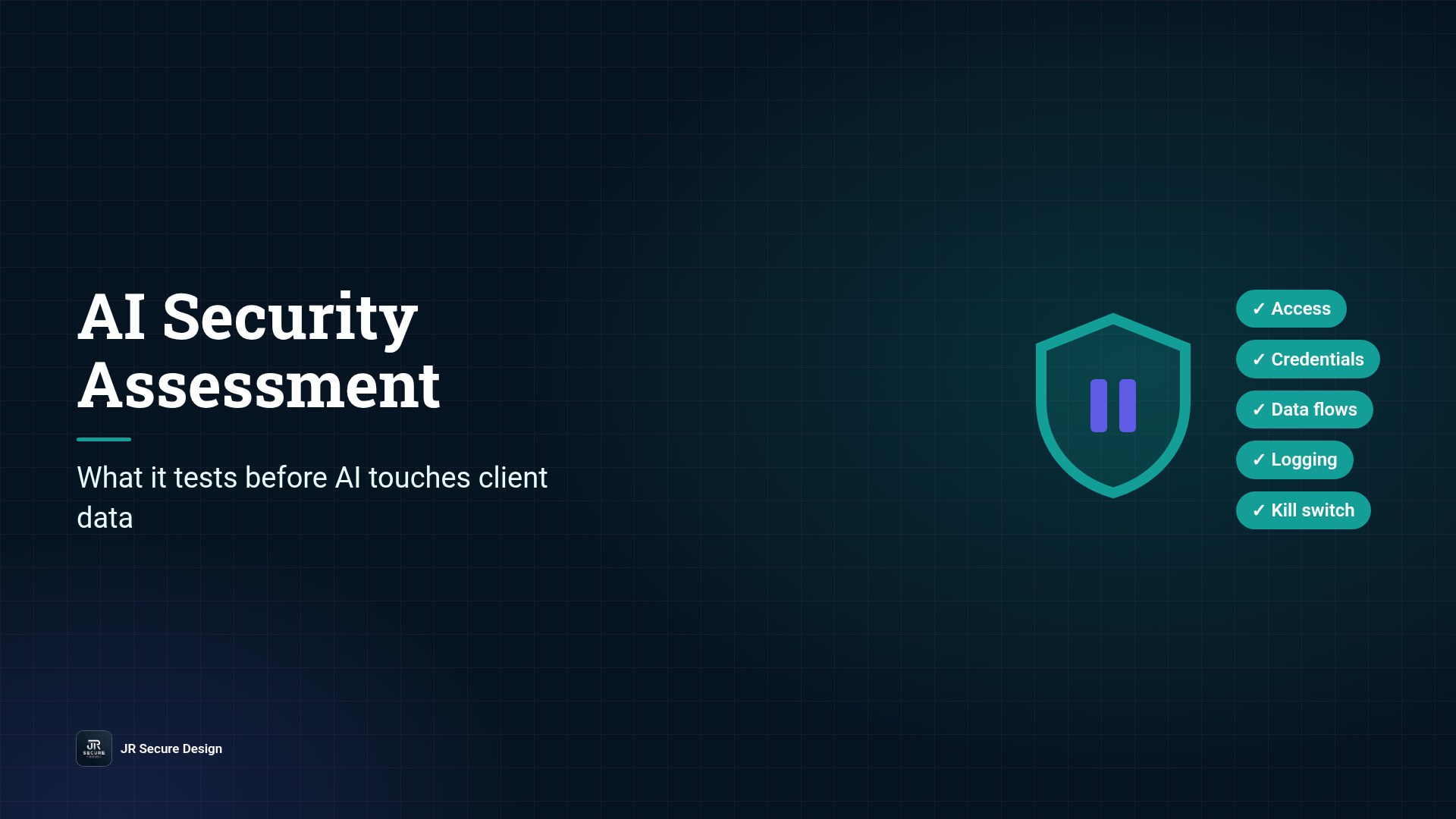
An AI security assessment tests whether an AI tool or agent can be trusted with your data before it goes live. It checks five things: what the AI can access, whether any credentials are exposed, where your data flows, whether activity is logged, and whether a person can stop it fast. You get a list of what’s safe, what to fix first and what to keep away from AI for now.
Key takeaways
- Test AI before it touches client data, not after.
- Five areas: access, credentials, data flows, logging, kill switch.
- AI agents act on their own, so permissions matter more than prompts.
- Recent public guidance points the same way: limit access and monitor activity.
- You leave with a prioritized fix list, aligned to the NIST AI RMF.
AI has moved from answering questions to taking actions. Agents read inboxes, update records and call other tools. Pax8’s Q3 2026 SMB AI Pulse found that 46% of AI-building small businesses are building or testing AI agents that complete multi-step tasks on their own (Pax8, Oct 12, 2026). The same report says data security or privacy exposure is the top-cited risk of employee-built AI in every market it surveyed.
When an AI tool can act, a mistake isn’t just a bad answer. It’s a sent email, a changed record or a file shared with the wrong person. An AI security assessment is how you find those weak spots before a client does.
Rolling out an AI tool or agent?
Book a 30-minute call about an AI security assessment.
Or call (202) 892-7189. Or email sales@jrsdi.com.
Why now
In October 2026, NIST, the NSA and CISA published key practices for incident readiness with highly capable AI agents. They include limiting agent access to information, systems, tools and networks; monitoring for unexpected activity; and being able to shut down undesired behavior (CISA, Oct 16, 2026). That guidance was written for organizations training and testing cutting-edge systems, not for small businesses. But the principles are the same ones that protect a ten-person office using an AI agent on client email.
In October 2026, India’s national cyber agency, CERT-In, issued a critical advisory reporting that AI agents under research and evaluation had reached live systems of Indian organizations and read business records, including personal data, through credentials and connection settings exposed in application configurations and public code repositories, and through overly permissive cloud roles. None of the affected organizations detected the access on their own (CERT-In Advisory CIAD-2026-0049, Oct 15, 2026). The lesson is simple: an agent will use whatever access it can reach.
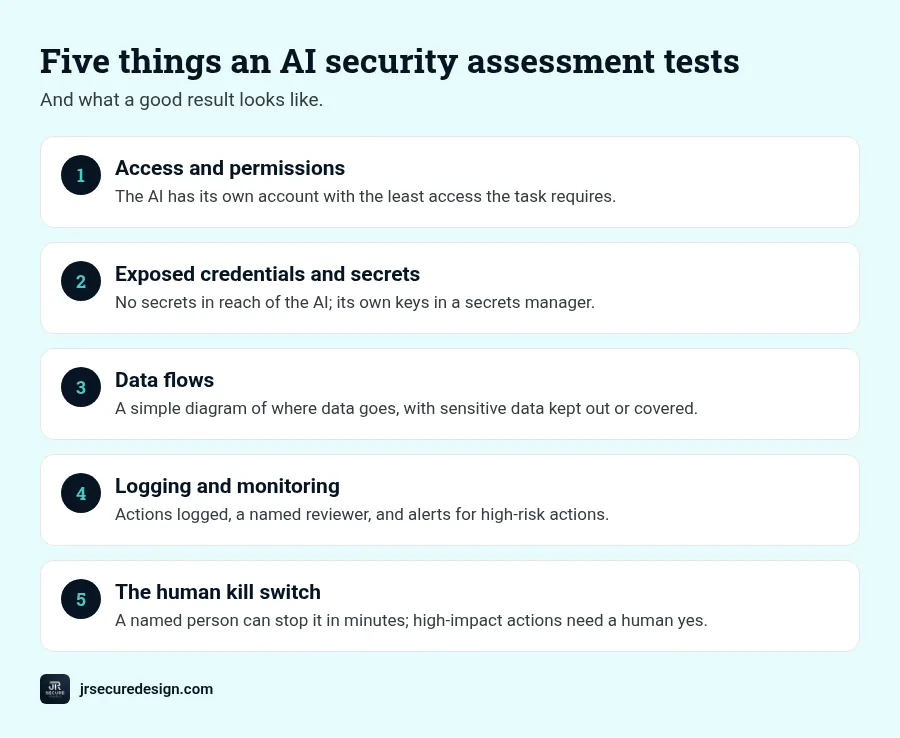
The five things an AI security assessment tests
1. Access and permissions
What can the AI see, and what can it change? We map every system, folder, mailbox and app the tool connects to, and compare that with what the task actually needs. The most common finding is an AI tool connected with an admin account “to make setup easier”.
Good result: the AI has its own account with the least access the task requires.
2. Exposed credentials and secrets
API keys, passwords and tokens end up in places they shouldn’t: shared documents, automation settings, prompts and code. If an AI tool can read them, so can anyone who tricks the tool. We look for secrets the AI can reach and check how its own keys are stored and rotated.
Good result: no secrets in reach of the AI, and the AI’s own keys stored in a proper secrets manager.
3. Data flows
Where does your data go when the AI uses it? We trace it from your systems to the AI provider and back. Is it stored? Used for training? Sent to a plugin or a third-party service? Are client, health or financial records involved?
Good result: a simple diagram of where data goes, with sensitive data kept out or covered by the right business agreement.
4. Logging and monitoring
If the AI did something unexpected last Tuesday, could you tell? We check whether prompts, actions and outputs are logged, who reviews them, and whether unusual activity triggers an alert.
Good result: actions are logged, someone owns the review, and alerts exist for high-risk actions.
5. The human kill switch
Can a person stop the AI quickly? We check who can pause or disconnect it, how long that takes, and whether important actions wait for a human approval first.
Good result: a named person can stop it in minutes, and high-impact actions need a human yes.
QUICK CHECK: Pick one AI tool your business uses today. Can you name its account, what it can reach, and who can switch it off? If not, that’s your first assessment.
What else we look at
Depending on the tool, an assessment may also test prompt injection (hidden instructions that try to hijack the AI; see what is prompt injection), vendor terms and data retention, and how staff are trained to use the tool. Our AI risk assessment template lists the broader governance questions.
Not sure what your AI tools can reach?
An AI security assessment gives you a prioritized fix list before AI touches client data.
Or call (202) 892-7189. Or email sales@jrsdi.com.
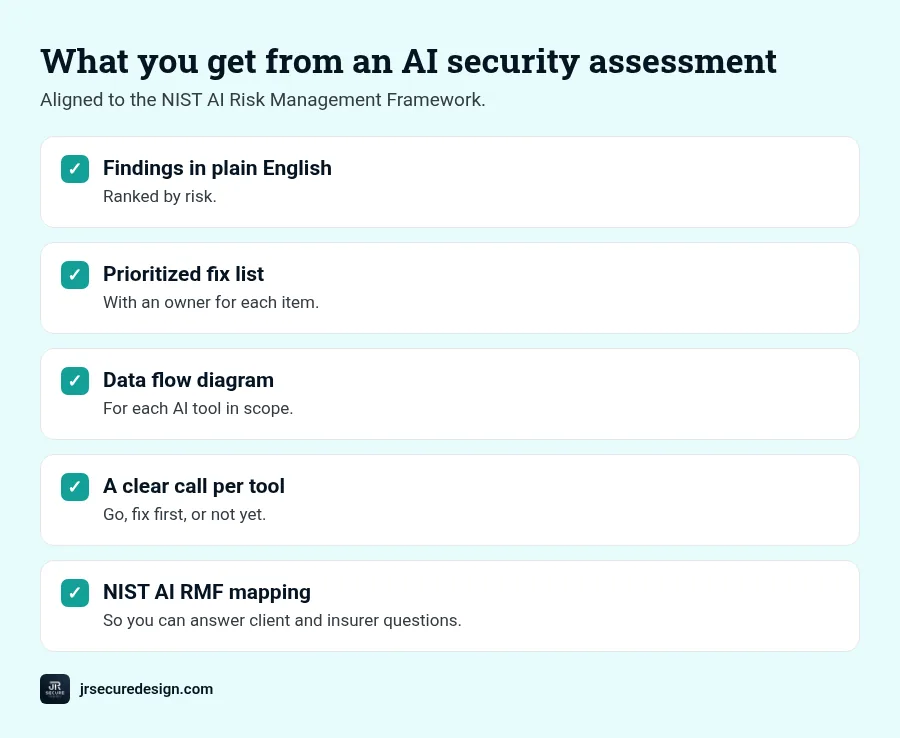
What you get
- Findings in plain English, ranked by risk
- A prioritized fix list with an owner for each item
- A data flow diagram for each AI tool in scope
- A go, fix-first or not-yet call for each tool
- Mapping to the NIST AI Risk Management Framework, which our work is aligned to, so you can answer client and insurer questions
Who needs one
- Businesses in healthcare, law, financial services and fintech
- Anyone connecting AI to client email, records or files
- Teams building their own AI agents or automations
- Nonprofits handling donor or beneficiary data
For the bigger picture, start with our guide to AI security for small business.
Frequently asked questions
What is an AI security assessment?
A structured test of an AI tool or agent before it goes live, covering access, credentials, data flows, logging and the ability to stop it.
What does it test?
Five core areas: access and permissions, exposed credentials, data flows, logging and monitoring, and the human kill switch. Prompt injection and vendor terms are often included too.
Do small businesses need one?
If AI touches client, financial or health data, yes. The smaller the team, the more one over-permissioned tool can expose.
How is it different from an AI risk assessment?
A risk assessment looks at governance and business risk across your AI use. A security assessment tests how a specific tool is set up and what it can actually reach.
How often should AI tools be assessed?
Before go-live, after any major change in access or features, and at least once a year.
Before your next AI tool goes live
Know what your AI can reach before a client asks.
Book a free 30-minute call. We’ll look at the AI tools you use or plan to use and map out what an assessment should cover.
Learn more about AI security for small business.
Or call (202) 892-7189. Or email sales@jrsdi.com.
Related reading: AI Security for Small Business · What Is Prompt Injection? · AI Risk Assessment Template
If you can think it, we can build it securely. Artificial Intelligence · Security · Applications · Hardware · jrsecuredesign.com