A few hours and a checklist.
- 6 areas to check
- A 15-minute Sunday check
- Free deck competition Oct 28
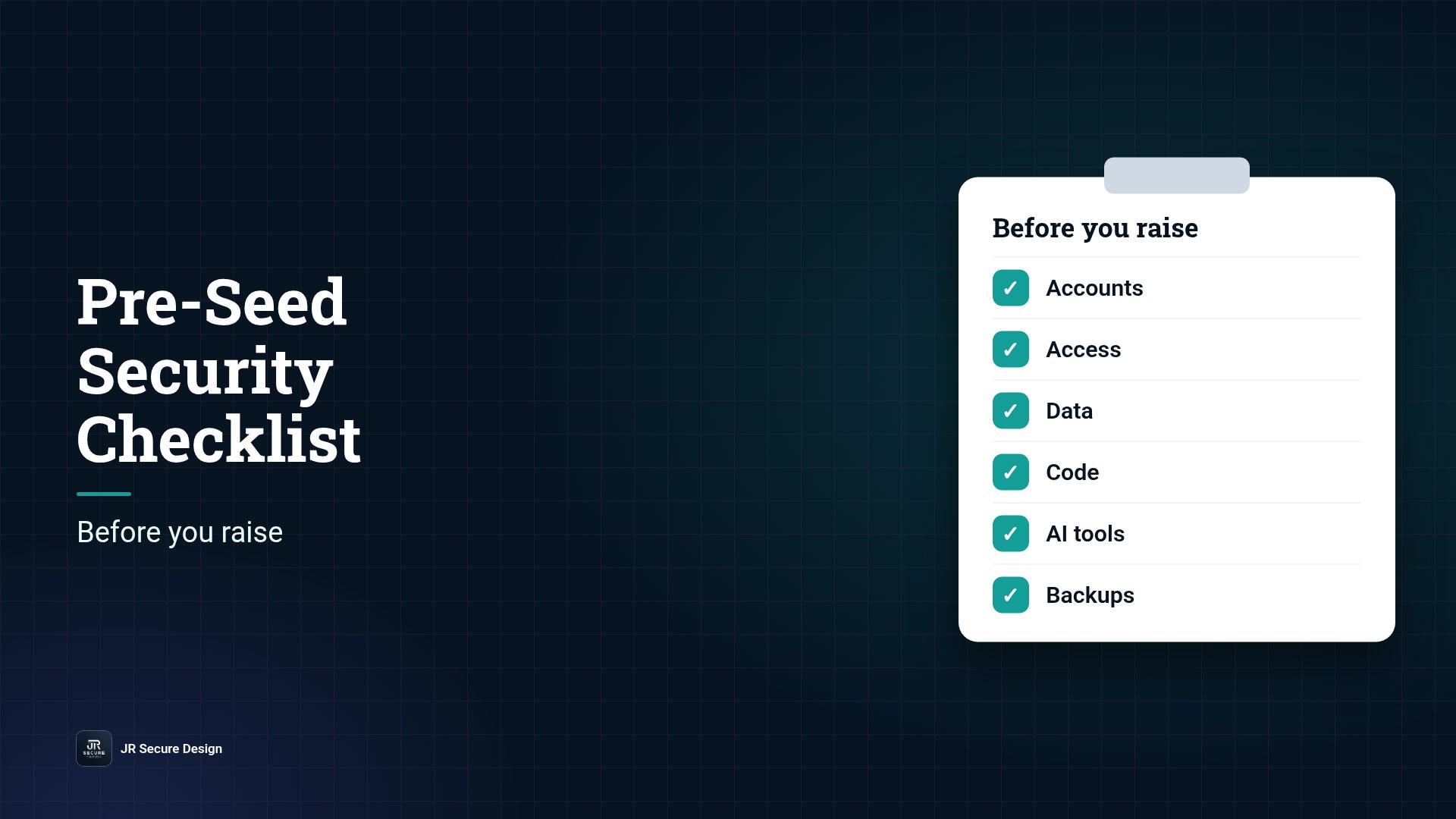
Before you raise, make sure the company owns its accounts, only the right people have access, customer data is protected, code and secrets are handled safely, AI tools have clear rules, and you can recover from a bad day. None of this needs a big budget. It needs a few hours and a checklist.
Key takeaways
- Investors and early customers ask “can this team build it safely?”
- Most basics are free or cheap now and expensive later.
- The company, not a person or contractor, should own every account.
- Have written rules for AI tools that touch customer data.
- Got a deck ready? Upload your PDF at jrsecuredesign.com/startups by Sunday, Oct 25 for our free online pitch deck competition.
Early-stage founders move fast, and that’s the point. But a few small gaps can turn into big problems when an investor, a partner, or your first enterprise customer starts asking questions. After 25+ years of building technology and securing it, this is the short list we’d want every founder to check before sending a deck. It draws on free public guidance such as the NIST Cybersecurity Framework and CISA’s Secure by Design principles, translated for a team of two to ten people.
Want someone to walk this checklist with you?
Talk with JR Secure Design.
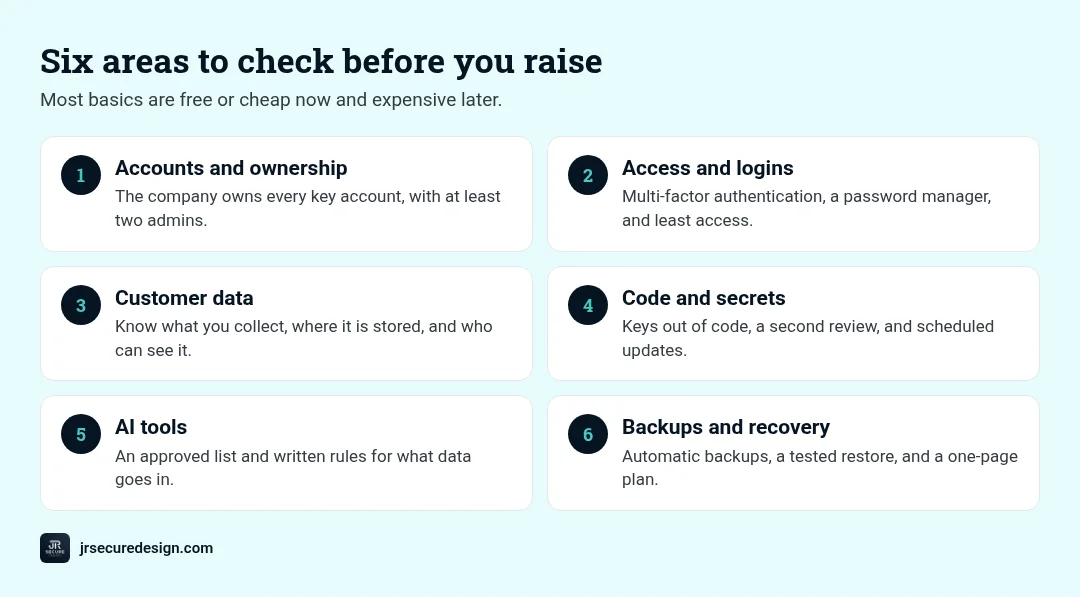
1. Accounts and ownership
- Every key account uses a company email: domain, cloud, code repository, app stores, payments, and analytics.
- At least two founders or trusted admins can get into each one.
- Contractors and agencies work in your accounts, not theirs.
- You keep a one-page list of every service, who owns it, and what it does.
Why it matters: If one person or vendor holds the keys and leaves, you can lose your product, your domain, or your data.
2. Access and logins
- Multi-factor authentication is on for every account that offers it, starting with email, cloud, and code.
- Everyone uses a password manager. No shared passwords in chats or docs.
- People get only the access they need, and you remove it the day someone leaves.
QUICK CHECK: Could you remove a departing contractor from every system in under an hour? If not, start here.
3. Customer data
- You know what customer data you collect, where it’s stored, and who can see it.
- Real customer data stays out of test tools and demos.
- You have a simple privacy policy that matches what you actually do.
- If you handle health, financial, or children’s data, you know which rules may apply and have asked an expert.
4. Code and secrets
- API keys, passwords, and tokens are kept out of your code and stored in a secrets manager or your platform’s settings.
- Changes to your main code go through a second pair of eyes, even briefly.
- Dependencies are updated on a schedule, and you have checked your web app against common risks like those in the OWASP Top 10.
5. AI tools
- You have a short list of approved AI tools.
- You’ve decided what data can and can’t go into them, especially customer data and source code.
- Any AI feature in your product has limits on what it can access and do.
WARNING: Pasting customer data into a public AI tool can break promises you made to customers. Write the rule down before it happens.
6. Backups and recovery
- Your database and key files are backed up automatically.
- You have restored from a backup at least once, so you know it works.
- You have a one-page plan for what to do if an account is taken over or data leaks: who to call and what to do first.
Not sure your basics will hold up to investor questions?
We can review them with you.
How this shows up in your pitch deck
You don’t need a security slide. You need one or two lines in your tech or team section that show you’ve thought about it, such as “Company-owned accounts, MFA everywhere, customer data encrypted, written AI-use rules.” Investors read that as a team that can build carefully. Our guide on what investors look for at pre-seed explains why “can this be built?” matters, and MVP Tech Stack Mistakes covers the stack side.
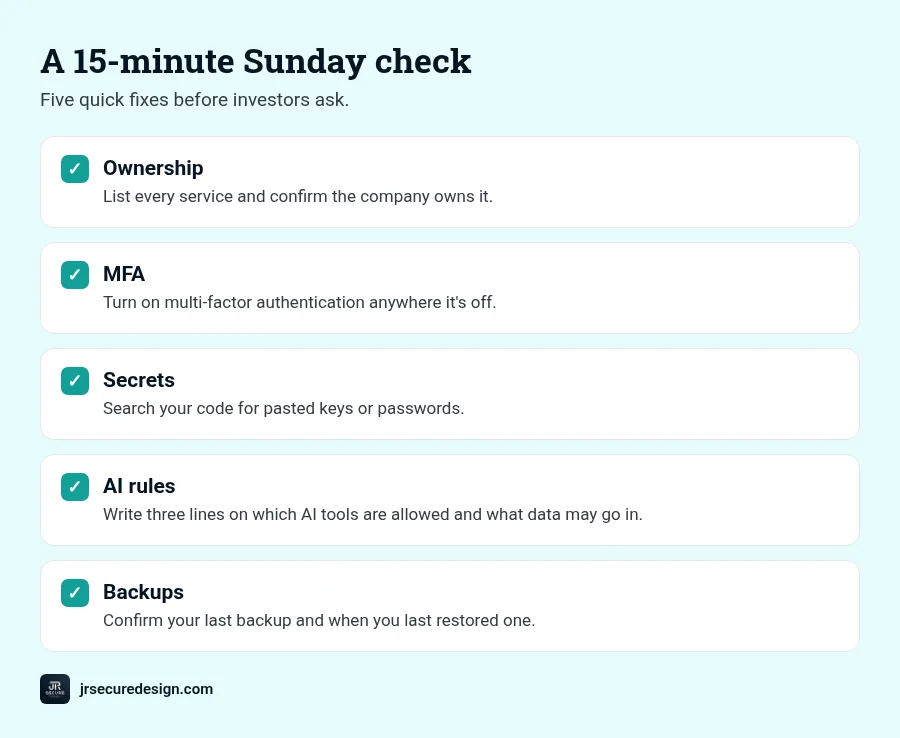
A 15-minute Sunday check
- List every service and confirm the company owns it.
- Turn on multi-factor authentication anywhere it’s off.
- Search your code for pasted keys or passwords.
- Write three lines on which AI tools are allowed and what data may go in.
- Confirm your last backup and when you last restored one.
Get feedback before investors see it
JR Secure Design is hosting a free, online pitch deck competition on Wednesday, Oct 28 at 7 PM ET. Upload your pitch deck as a PDF at jrsecuredesign.com/startups by Sunday, Oct 25. Founders get feedback on story, feasibility, and investor readiness from C-suite advisors, and the winner gets James DeCrescenzo as a free advisor to their company. Our pitch deck submission guide shows how to upload.
Want someone to walk this checklist with you? Our Fractional CTO service can help.
Frequently asked questions
What security does a pre-seed startup need?
The basics: company-owned accounts, multi-factor authentication, a password manager, least-privilege access, secrets kept out of code, backups you have tested, and clear rules for AI tools and customer data.
Do investors care about security at pre-seed?
Many ask at least simple questions, especially if you handle health, financial, or personal data. Clear, honest answers make you look prepared.
Who should own company accounts at a startup?
The company, not an individual or contractor. Use company email for every account and keep at least two admins.
Do startups need SOC 2 before raising?
Usually not at pre-seed. It often comes later, when enterprise customers ask for it. Getting the basics right now makes any later audit easier.
How do I secure AI tools at my startup?
Decide which tools are approved, what data may go into them, and who can connect them to company systems. Write it down in a short policy.
Ready to submit?
Checklist done? Put your deck in front of C-suite advisors.
Free, online pitch deck competition: Wednesday, Oct 28, 7 PM ET. Get feedback on story, feasibility, and investor readiness. The winner gets James DeCrescenzo (25+ years in technology and security) as a free advisor to their company.
Upload your pitch deck (PDF) at jrsecuredesign.com/startups by Sunday, Oct 25. Then call or book a 30-minute call.
Or email sales@jrsdi.com.
Related reading: Security Questions Investors Ask in Due Diligence · MVP Tech Stack Mistakes · Do You Need a CTO at Pre-Seed? · What Investors Look For at Pre-Seed · Startups at JR Secure Design
If you can think it, we can build it securely. Artificial Intelligence · Security · Applications · Hardware