
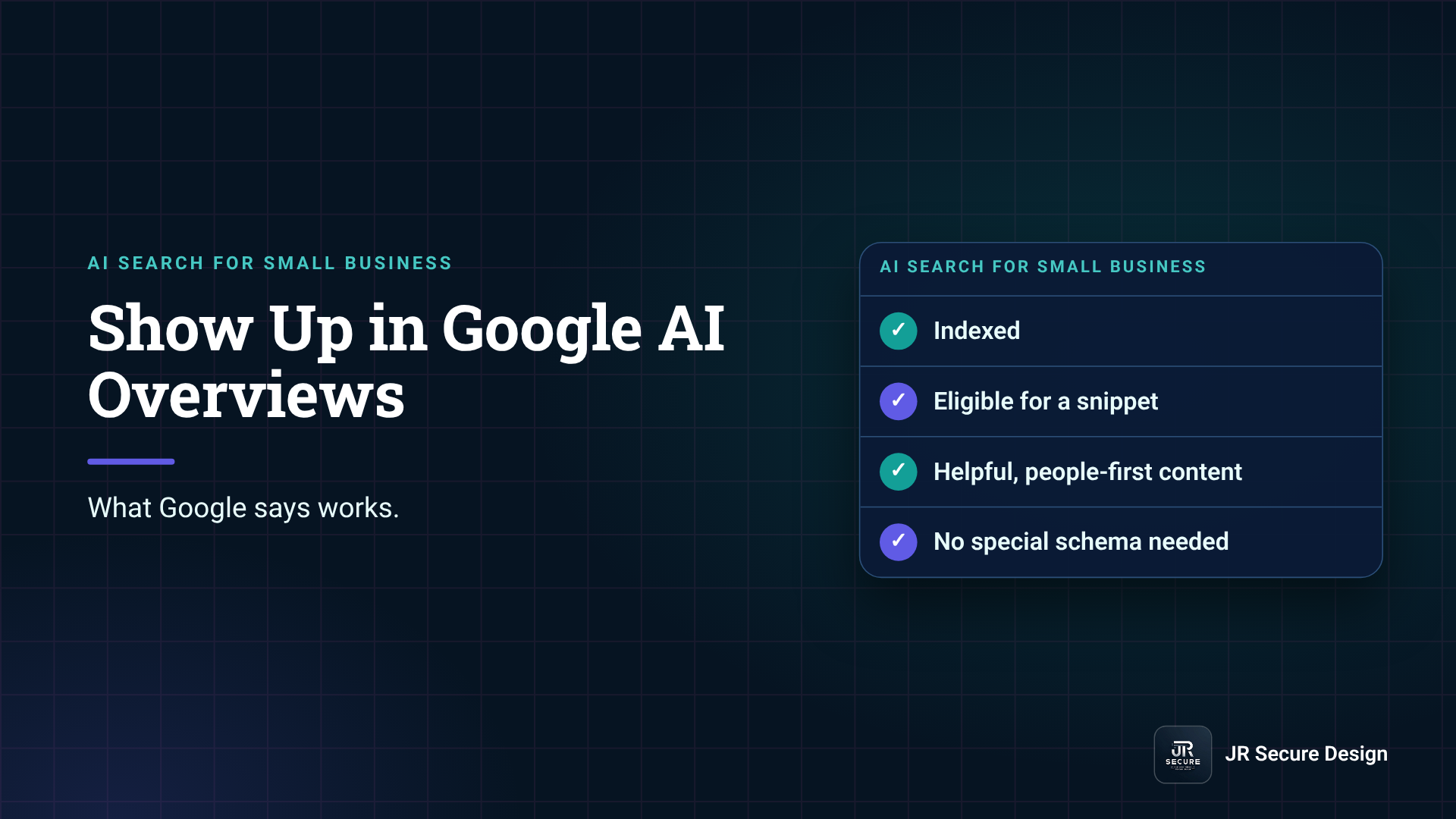
To show up in Google AI Overviews, your page has to be indexed and eligible to appear in Google Search with a snippet. Google says there are no extra requirements, no special files and no special schema. So the work is normal SEO done well: crawlable pages, clear answers near the top, helpful content and accurate structured data.
Key takeaways
- Google: “There are no additional requirements to appear in AI Overviews or AI Mode.”
- A page must be indexed and eligible to show with a snippet to be a supporting link.
- You don’t need AI text files or special schema, according to Google.
- Blocking Google-Extended doesn’t remove you from Google Search, per Google.
- Track AI feature traffic in Search Console’s Performance report, under “Web.”
What does Google require to appear in AI Overviews?
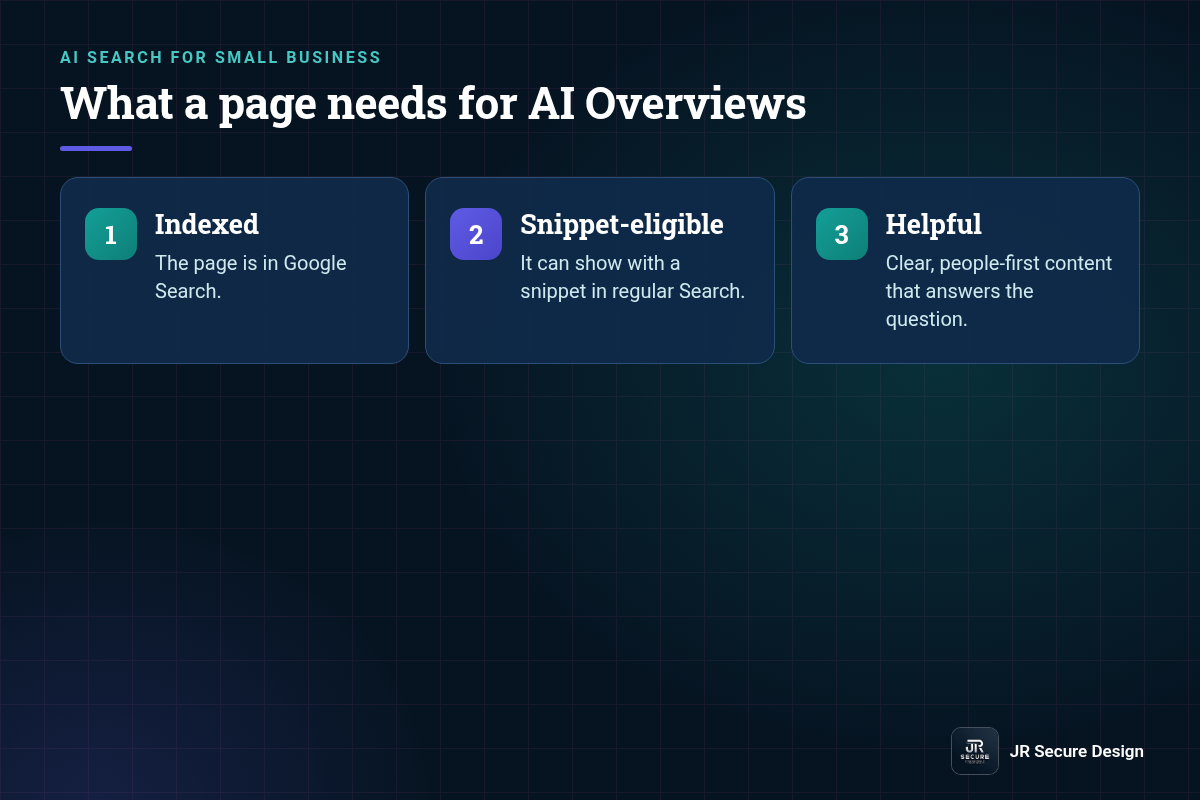
Google’s documentation says there are no additional requirements beyond normal Search. To be shown as a supporting link, a page must be indexed and eligible to be shown in Google Search with a snippet. If your page can’t show a snippet in regular results, it can’t be a link in an AI Overview either.
Google also says inclusion isn’t promised: “Indexing and serving isn’t guaranteed.” AI Overviews also don’t appear for every search. Google notes they “often don’t trigger” for many queries, so don’t measure success by one keyword.
Do I need special schema or an AI text file for AI Overviews?
No. Google states you don’t need to create new machine-readable files, AI text files or markup, and no special schema.org structured data is required. Structured data still helps regular Search when it matches what’s visible on the page, so keep it accurate. Just don’t expect a special tag to unlock AI Overviews.
How do you make your content more likely to be cited?
Make each page the clearest answer to a real question. Put a direct 40–60 word answer under each question heading, keep facts specific and sourced, and cover related questions on the same page. Google describes “query fan-out,” where AI features run several related searches, so pages that answer the follow-ups have more chances.
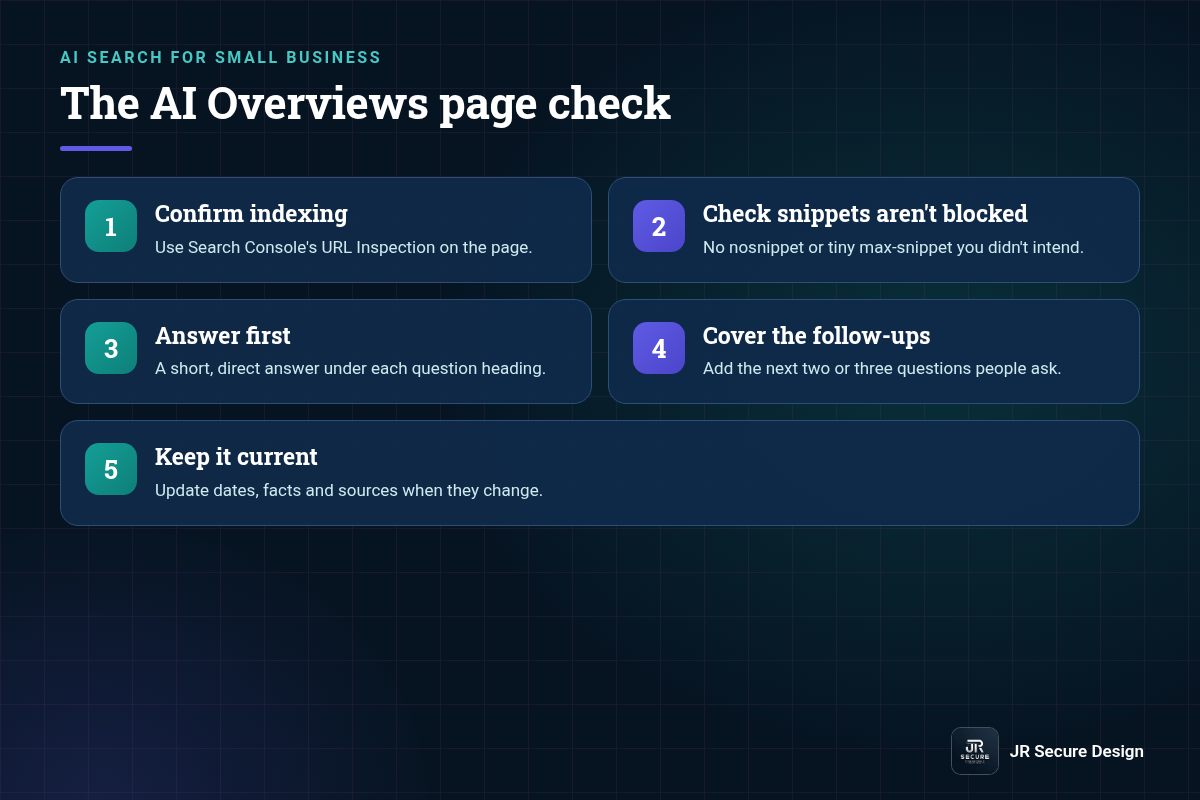
The AI Overviews page check
- Confirm indexing. Use Search Console’s URL Inspection on the page.
- Check snippets aren’t blocked. No nosnippet or tiny max-snippet you didn’t intend.
- Answer first. A short, direct answer under each question heading.
- Cover the follow-ups. Add the next two or three questions people ask.
- Keep it current. Update dates, facts and sources when they change.
For the bigger picture across ChatGPT, Perplexity and Google, see our guide on how to rank in AI search. If you’re new to the term, start with what generative engine optimization is.
Can you stop Google from using your content in AI Overviews?
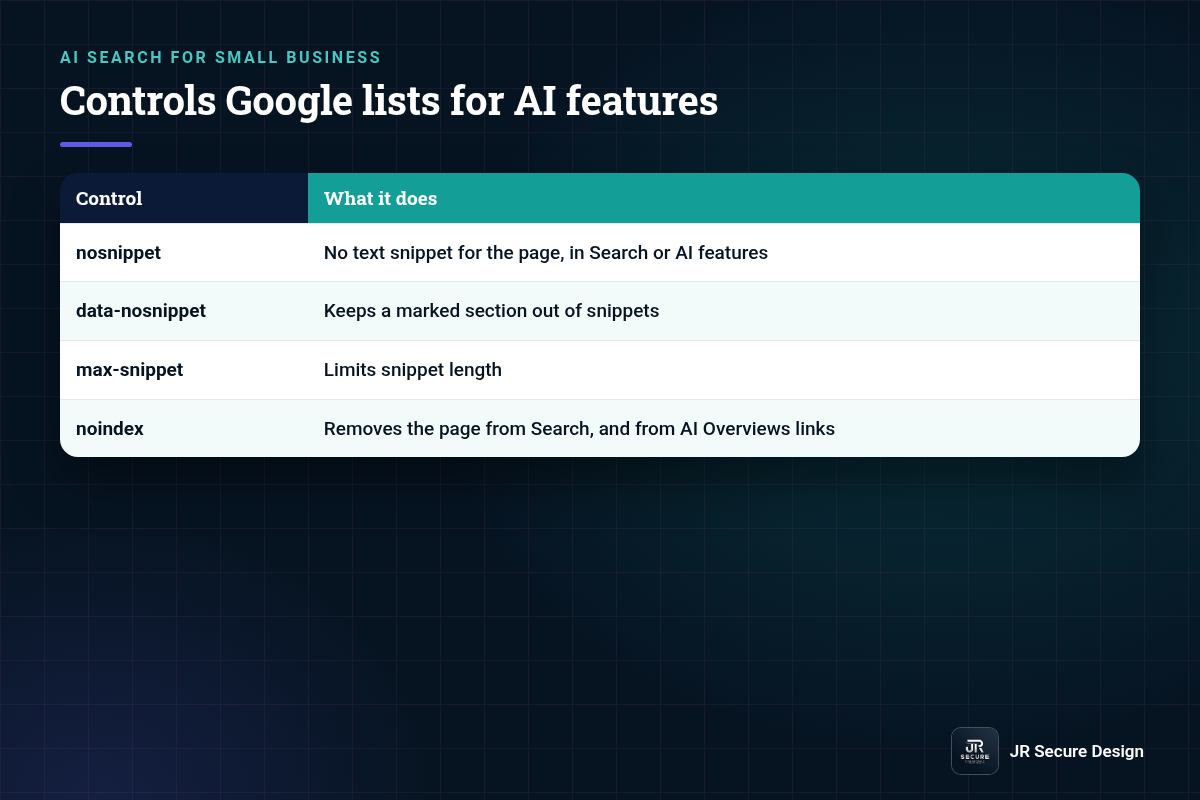
Yes, with the same snippet controls used in regular Search. Google lists nosnippet, data-nosnippet, max-snippet and noindex as ways to control what appears. Blocking Google-Extended is different: Google says it doesn’t affect inclusion in Google Search and isn’t a ranking signal, so it won’t remove you from AI Overviews.
| Control | What it does |
|---|---|
| nosnippet | No text snippet for the page, in Search or AI features |
| data-nosnippet | Keeps a marked section out of snippets |
| max-snippet | Limits snippet length |
| noindex | Removes the page from Search, and from AI Overviews links |
QUICK CHECK: Search your site’s code for “nosnippet” and “max-snippet”. Old settings from a theme or plugin can quietly keep good pages out of AI Overviews.
How do you track traffic from Google AI Overviews?
Use Google Search Console. Google says traffic from AI features is included in the Performance report, under the “Web” search type, together with regular results. So track trends for pages built to answer questions, and compare clicks and impressions before and after each update, using the same date ranges.
NEXT STEP: Want to see how AI search reads your site today? Run our AI search score check, then read how to show up in ChatGPT for the other AI assistants. If you would rather have a team handle it, see our services.
Google AI Overviews: frequently asked questions
Does ranking on page one guarantee an AI Overview link?
No. Google says indexing and serving aren’t guaranteed, and AI Overviews only appear for some searches. Pages that rank well are often linked, but Google chooses supporting links per query, sometimes from beyond page one through related searches. Focus on being the clearest, most accurate answer across a topic, not on one position.
Are AI Overviews and AI Mode the same thing?
They’re related Google Search features that use the same basic rules. AI Overviews appear on the regular results page for some searches. AI Mode is a separate, more conversational search experience. Google says neither has additional requirements, so the same indexing, snippet and content steps apply to both.
Does a small business website have a chance?
Yes. Google doesn’t list site size as a requirement. A small business page that’s indexed, snippet-eligible and clearly answers a local or specialist question can be a supporting link. Smaller sites often win on specific questions big sites skip, like pricing factors, local rules or step-by-step how-tos.
How long does it take to show up in AI Overviews?
There’s no set timeline. A page first has to be crawled and indexed, which can take days to weeks, and then Google decides per query what to show. Updating an existing page that already ranks is usually faster than publishing a brand-new one. Check Search Console monthly for impression changes.
Should I block AI crawlers to protect my content?
It depends on your goal. Blocking Google-Extended doesn’t remove you from Google Search or AI Overviews, according to Google. Using nosnippet or noindex does reduce visibility, in AI features and in regular results. For most small businesses that want customers to find them, staying visible is the better trade.
Want your key pages checked for AI Overviews?
Ask Sophia, our free AI advisor, at jrsecuredesign.com/sophia, or walk through it with James.
JR Secure Design builds AI and security programs aligned to NIST AI RMF and ISO/IEC 42001. More at jrsecuredesign.com.