
Know what Copilot can see before your team does.
- 7 areas included
- How long it takes
- What you get
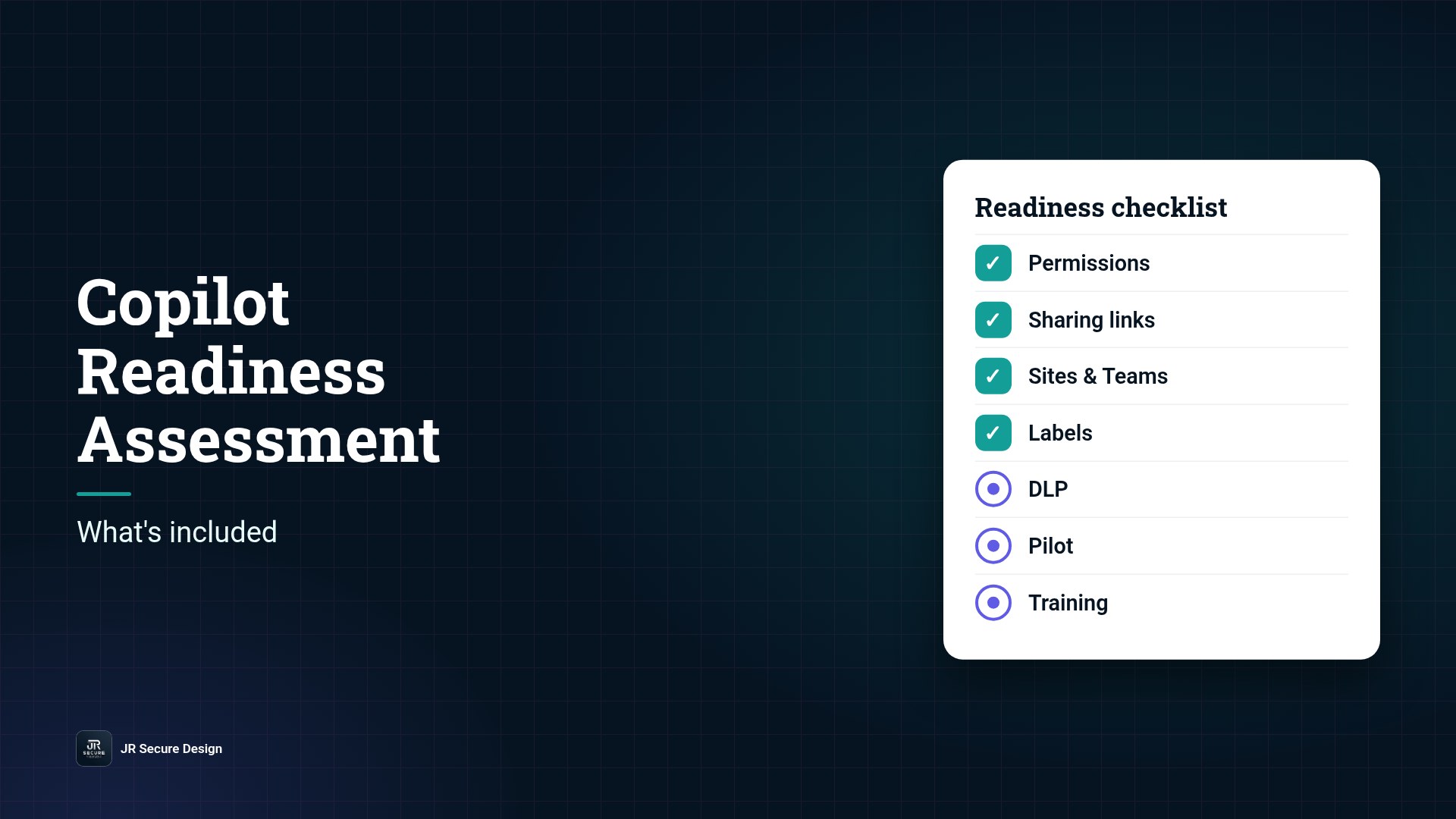
A Microsoft 365 Copilot readiness assessment checks whether your tenant is safe to turn Copilot on. It reviews who can open what, finds overshared sites and sharing links, checks sensitivity labels and data loss prevention (DLP), and ends with a fix list and a rollout plan. How long it takes depends on your size: the number of users, SharePoint sites, Teams and shared drives you have, and how tidy your permissions already are.
Key takeaways
- Copilot works with the permissions your users already have.
- An assessment finds oversharing before Copilot can surface it.
- It covers permissions, sharing links, labels, DLP, a pilot group and training.
- You get a prioritized fix list and a rollout plan.
- Timing depends on users, sites and how clean your permissions are.
IT leads keep asking us the same two questions: what exactly is in a Copilot readiness assessment, and how long will it take? Here’s the plain-English answer, based on 25+ years of security work and the checks we run before any Copilot rollout.
Rolling out Copilot soon?
Book a 30-minute call about Microsoft 365 Copilot security risks.
Or call (202) 892-7189. Or email sales@jrsdi.com.
Why Copilot needs an assessment first
Microsoft 365 Copilot doesn’t get new access to your data. It works with the access your people already have. That’s the good news and the problem. If a folder of salary data was shared with “everyone” years ago, nobody noticed because nobody went looking. Copilot will look, and it will summarize what it finds for anyone who asks the right question.
That’s why searches like “copilot security risks” keep showing up, and why Microsoft is adding more oversharing controls. Those controls help, but they don’t decide what your business should share. An assessment does.
For the hands-on version you can run yourself, see our Copilot oversharing check. For the bigger risk picture, read Microsoft 365 Copilot security risks.
What’s included
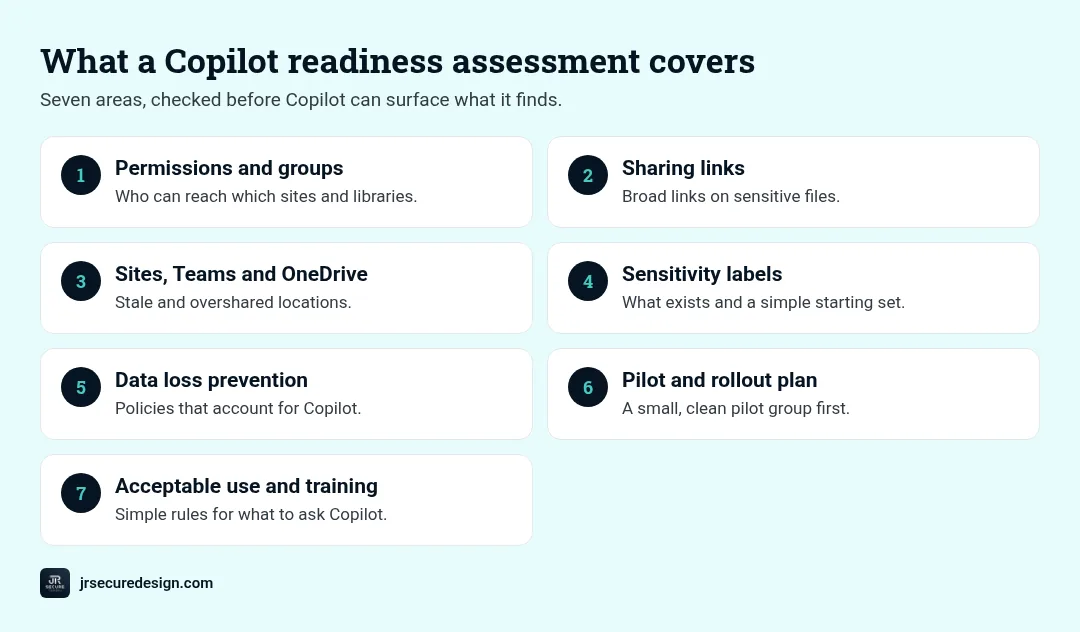
A good assessment covers seven areas. Here’s what each one checks and why.
1. Permissions and group membership
Who belongs to which groups, and which groups have access to which sites and libraries. We look for groups like “Everyone except external users” attached to sensitive content, and for former staff or vendors who still have access.
2. Sharing links
“Anyone with the link” and “people in your organization” links are the quiet source of most oversharing. We find the broad links on sensitive files and decide which to remove, narrow or keep.
3. SharePoint sites, Teams and OneDrive
Old project sites, abandoned Teams and personal OneDrive folders shared widely. We flag stale and overshared locations and recommend whether to archive, restrict or clean them up.
4. Sensitivity labels
Do you have labels, and are they used? Labels tell Microsoft 365 which content is confidential. Without them, Copilot and DLP can’t tell a lunch menu from a client contract. We check what exists and recommend a simple starting set.
5. Data loss prevention (DLP)
We check whether DLP policies exist, what they cover, and whether they account for Copilot. The goal is to stop sensitive data from showing up in places it shouldn’t, such as a Copilot answer to the wrong person.
6. Pilot group and rollout plan
Copilot shouldn’t go to everyone on day one. We help you choose a small pilot group whose data is already clean, define what success looks like, and set the order for everyone else.
7. Acceptable use and training
People need simple rules: what’s fine to ask Copilot, what isn’t, and what to double-check. We pair the technical fixes with a short acceptable use policy. Our free AI acceptable use policy template is a good starting point.
QUICK CHECK: Ask your IT lead: “If a new hire asked Copilot for salary information tomorrow, what would it find?” If nobody knows, start here.
How long it takes
There’s no honest single number, because tenants vary so much. Timing depends on:
- Number of users and licenses in scope for Copilot
- Number of SharePoint sites, Teams and shared drives
- How old the tenant is and how many reorganizations it has lived through
- Whether labels and DLP already exist
- How quickly owners can answer “should this still be shared?”
A small business with tidy permissions moves much faster than a 10-year-old tenant with hundreds of sites. The fastest way to get a realistic estimate for yours is a short call where we ask those five questions.
Not sure what Copilot could surface today?
A short call gets you a realistic plan for your tenant.
Or call (202) 892-7189. Or email sales@jrsdi.com.
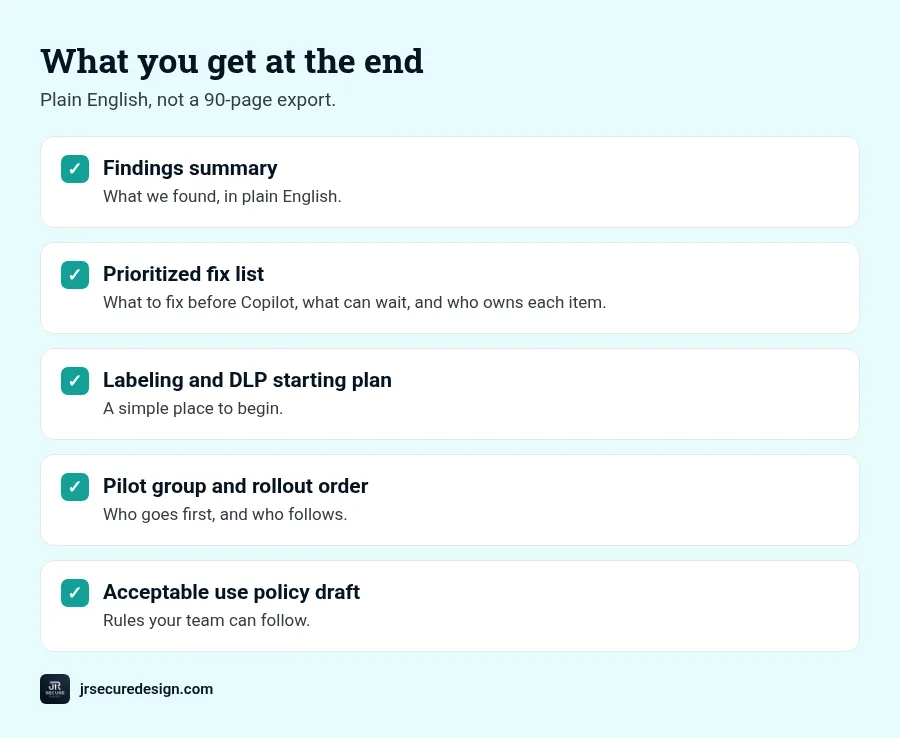
What you get at the end
- A findings summary in plain English, not a 90-page export
- A prioritized fix list: what to fix before Copilot, what can wait, and who owns each item
- A labeling and DLP starting plan
- A pilot group recommendation and rollout order
- An acceptable use policy draft for your team
Our approach is aligned to the NIST AI Risk Management Framework, so the results also help if a client, insurer or auditor asks how you govern AI. Our AI risk assessment template shows the kind of questions we cover.
Who needs one
- Microsoft 365 shops planning a Copilot rollout in the next few months
- Regulated small businesses such as healthcare practices, law firms and financial services firms
- Nonprofits that hold donor, client or beneficiary data
- Anyone who already turned Copilot on and wants to know what it can see
Frequently asked questions
What is a Copilot readiness assessment?
A review of your Microsoft 365 tenant before (or soon after) you turn on Copilot. It checks permissions, sharing links, labels and DLP, then gives you a fix list and a rollout plan.
How long does a Copilot readiness assessment take?
It depends on your users, sites and how clean your permissions are. A short call is the quickest way to get a realistic estimate for your tenant.
Do I need sensitivity labels before Copilot?
They’re strongly recommended. Labels tell Microsoft 365 which content is confidential, which makes DLP and other protections far more useful.
Can Copilot see files users shouldn’t see?
Copilot respects existing permissions. The risk is that users already have access they shouldn’t, through old shares, broad groups or “anyone” links.
We already turned Copilot on. Is it too late?
No. An assessment still finds and fixes oversharing. Start with your most sensitive sites and broadest sharing links.
Planning a Copilot rollout?
Know what Copilot can see before your team does.
Book a free 30-minute call and we’ll walk through your tenant size, permissions and goals, and give you a realistic plan for a Copilot readiness assessment.
Learn more about Microsoft 365 Copilot security risks.
Or call (202) 892-7189. Or email sales@jrsdi.com.
Related reading: Copilot Oversharing Check · Microsoft 365 Copilot Security Risks · AI Risk Assessment Template
If you can think it, we can build it securely. Artificial Intelligence · Security · Applications · Hardware · jrsecuredesign.com