One task in, one secure AI tool out.
- What to bring
- The 30 minutes
- 3 guardrails
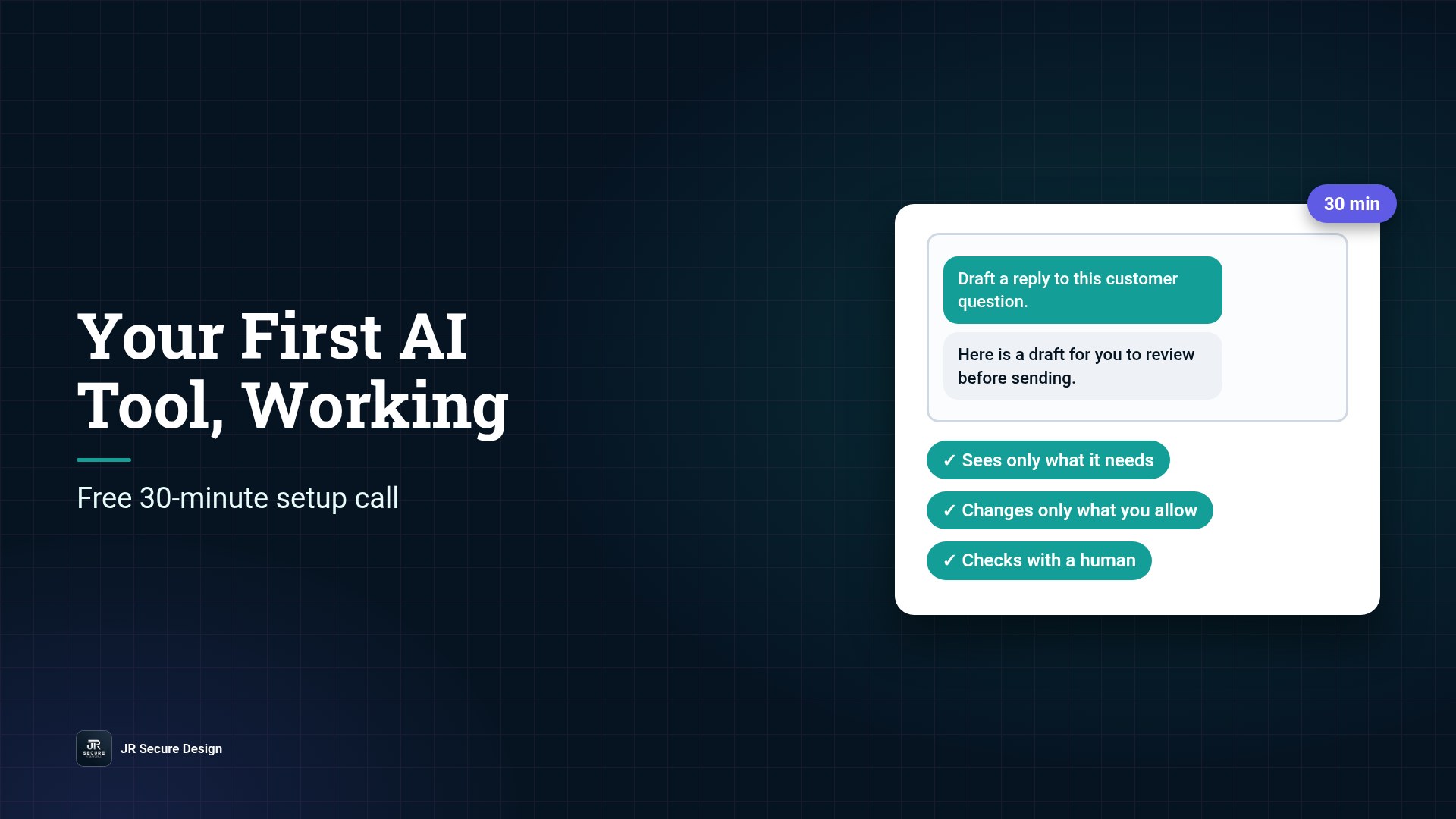
On a free 30-minute call, we map out your first AI setup and get one secure AI tool working for you. You bring one task that eats your week. We pick a sensible first use for AI, set three simple guardrails so your data stays where it belongs, and get it running before the call ends. No strategy deck, no jargon, and nothing to buy on the call.
Key takeaways
- The call is free and lasts 30 minutes.
- Bring one task you repeat every week.
- We map out your first AI setup and get one secure AI tool working for you.
- Every setup starts with three guardrails: limited access, limited actions, a human check.
- You leave with something working, plus a short list of next steps.
Most small business owners we talk to have already tried AI. They opened a chatbot, asked it a few questions, got a decent answer, and then went back to doing things the old way. Nothing stuck, because nothing was set up around a real task. Meanwhile, the businesses around them are moving. Pax8’s Q3 2026 SMB AI Pulse, a survey of 1,150 small and midsized business leaders, found that 67% of AI-engaged businesses have built at least one AI solution that’s now in regular use (Pax8, Oct 12, 2026).
The same report found that 35% of AI-engaged businesses discovered AI tools, workflows or agents running without approval in the past six months. So the question isn’t whether your team will use AI. It’s whether they’ll use it with guardrails or without them. The free call is how we help you start on the right side of that line.
Ready to try AI on a real task?
Book a free 30-minute call and leave with one secure AI tool working.
Or call (202) 892-7189. Or email sales@jrsdi.com.
Who the call is for
The call is built for people who run things, not people who write code:
- Small business owners who know AI could save time but haven’t found where to start
- Nonprofit executive directors who want help with grant drafts, donor emails or reports without putting sensitive data at risk
- Office and operations managers who handle the same requests every week
- Team leads who’ve been asked to “look into AI” and want a working example to show
If you can describe a task you do every week, you’re ready. You don’t need technical skills, and you don’t need to have picked a tool.
What to bring
You only need three things:
- One repetitive task. Pick something you do at least weekly. Good examples: answering the same customer questions, summarizing meeting notes, drafting follow-up emails, or pulling key points out of long documents.
- A rough sense of the data involved. Does the task touch client names, financial details, health information or anything confidential? Tell us. It shapes the guardrails.
- A laptop or desktop with a browser. We’ll set things up together on screen.
QUICK CHECK: If a task makes you sigh every Monday morning, that’s the one to bring.
What happens in the 30 minutes
Every call follows the same simple shape.
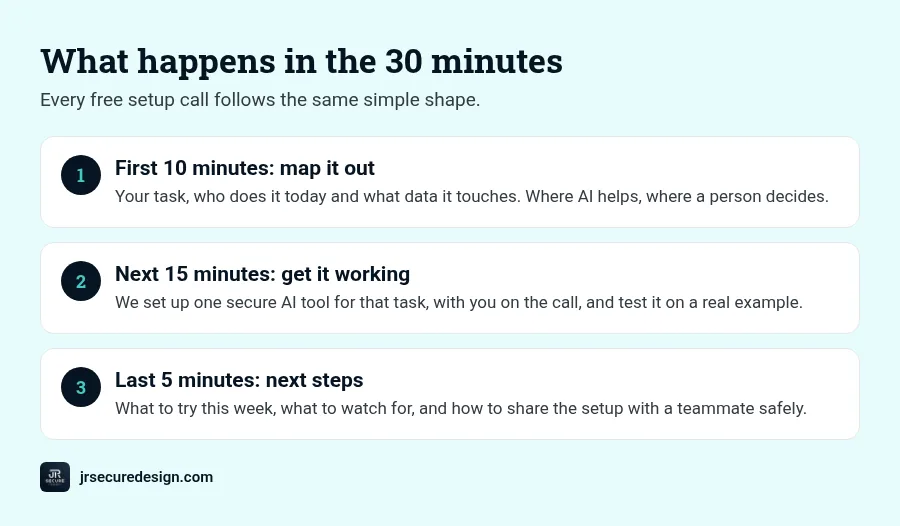
First 10 minutes: map it out. We talk through your task, who does it today, and what data it touches. Then we map out your first AI setup: where AI helps, where a person still decides, and what the tool should never see.
Next 15 minutes: get it working. We set up one secure AI tool for that task, with you on the call. You watch it work on a real example, and we adjust it until the output is something you’d actually use.
Last 5 minutes: next steps. You get a short list of what to try this week, what to watch for, and how to give the same setup to a teammate safely.
The three guardrails we set on every call
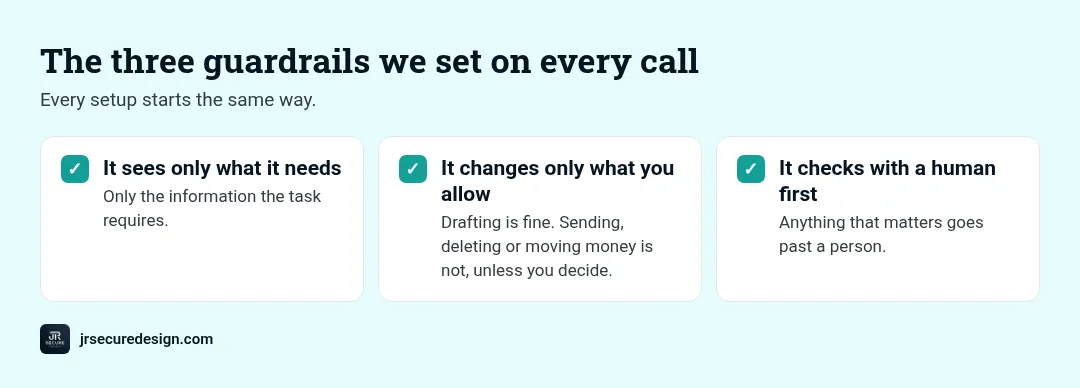
Security is in our name, so every setup starts the same way:
- It sees only what it needs. The tool gets the information required for the task and nothing else. No connecting it to every folder “just in case.”
- It changes only what you allow. Drafting a reply is fine. Sending it, deleting files or moving money isn’t, unless you decide it should be.
- It checks with a human first. Anything that matters goes past a person before it goes out.
These are the same habits that sit behind frameworks like the NIST AI Risk Management Framework, which our work is aligned to. You don’t need to read the framework. You just need a first tool that follows the habits.
What you leave with
By the end of the call you’ll have:
- One AI tool set up and working on a task from your real week
- A one-page map of your first AI setup: what it does, what it can see, and who checks it
- A short next-steps list for the coming week
If you want help beyond that, such as rolling AI out to a whole team, writing an AI acceptable use policy, or checking Microsoft 365 before turning on Copilot, we’ll talk about it. If you don’t, you still keep everything you built on the call.
Bring one task that eats your week.
We map out your first AI setup and get one secure AI tool working for you, with guardrails.
Or call (202) 892-7189. Or email sales@jrsdi.com.
What the call isn’t
It isn’t a sales presentation, and it isn’t a 40-slide AI strategy. We don’t ask for passwords or admin access, and we won’t connect anything to your systems without you seeing exactly what it can reach. It’s a working session with one goal: one secure AI tool you’ll actually use next week.
Why it’s free
We’d rather show you than tell you. After 25+ years in technology and security, we’ve learned that one working example does more than any pitch. And if your team is already using AI without guardrails, a safe first setup is the best place to start. Want to give your team written rules too? Grab our free AI acceptable use policy template. Based in South Florida? See our page for AI consulting in Fort Lauderdale. We work with clients nationwide.
Frequently asked questions
Is the 30-minute AI call really free?
Yes. The call is free, and you keep whatever we set up together. There’s no obligation to buy anything afterward.
What should I bring to the call?
One task you repeat every week, a rough idea of the data it touches, and a laptop or desktop with a browser.
Do I need technical skills?
No. If you can describe the task and use a web browser, you can follow along. We handle the setup with you.
Is it safe to use AI with my business data?
It can be, with guardrails. We limit what the tool can see and change, and we keep a person in the loop. Tell us about sensitive data up front and we’ll plan around it.
What happens after the call?
You use your new tool on real work for a week. If you want help taking AI further, we can talk about next steps. If not, you’re all set.
Ready to get your first AI tool working?
Leave your free call with one secure AI tool working.
On a free 30-minute call, we map out your first AI setup and get one secure AI tool working for you.
Or call (202) 892-7189. Or email sales@jrsdi.com.
Related reading: AI Security for Small Business · Is ChatGPT Safe for Business? · AI Acceptable Use Policy Template
If you can think it, we can build it securely. Artificial Intelligence · Security · Applications · Hardware · jrsecuredesign.com