
A browser, a free AI account and one task.
- The short checklist
- 4 starter builds
- 3 guardrails
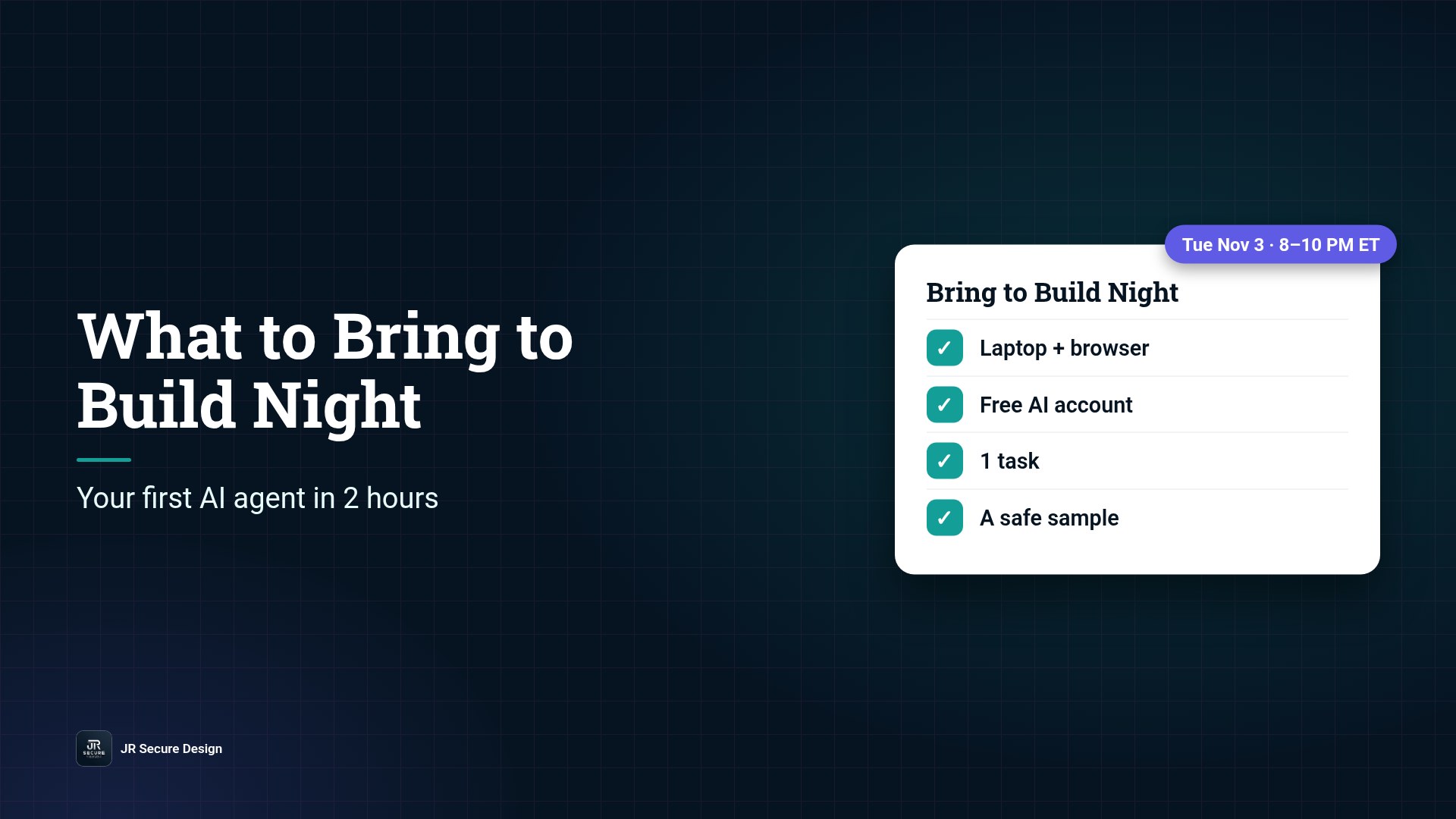
To get the most out of your first Tuesday AI Build Night, bring three things: a laptop or desktop with a browser, a free account on any AI platform (Grok, OpenAI, Anthropic or similar), and one small task you’d like off your plate. That’s it. No coding, no paid tools. In two hours, a beginner can build one small agent that does one job from start to finish, with security guardrails built in.
Key takeaways
- Free Tuesday AI Build Night starts Tue, Nov 3, 8–10 PM ET, online on Microsoft Teams.
- Bring a browser, a free AI platform account and one weekly task.
- Pick a small job. A first agent should do one thing well.
- Every build gets three guardrails from night one.
- Request your seat at jrsecuredesign.com/free-ai-agent-build-night/.
If you’ve seen our Tuesday AI Build Night announcement, you probably have two questions. What do I need to have ready? And what can I really build in one evening if I’ve never done this before? This post answers both, so you walk in prepared and walk out with something that works.
Free Tuesday AI Build Night starts Tue, Nov 3, 8–10 PM ET.
Online on Microsoft Teams. Beginners welcome, no coding needed.
Or call (202) 892-7189. Or email sales@jrsdi.com.
The short checklist
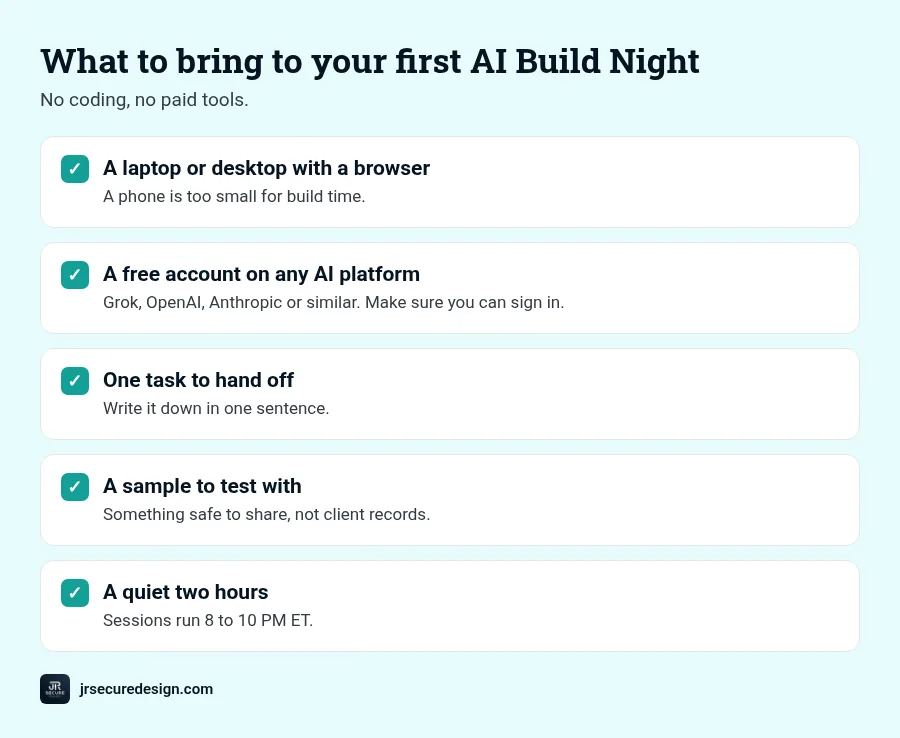
Before your first session, have these ready:
- A laptop or desktop with a web browser. A phone is too small for build time. Any up-to-date browser works.
- A free account on any AI platform. Grok, OpenAI, Anthropic or similar. Create it before the session and make sure you can sign in. A free account is enough. You don’t need to pay for anything.
- One task you’d like to hand off. Write it down in one sentence. More on picking it below.
- A sample to test with. A few example emails, a short document or a page of meeting notes. Use something safe to share, not client records or anything confidential.
- A quiet two hours. Sessions run 8 to 10 PM ET. Grab a drink and close the other tabs.
QUICK CHECK: Can you sign in to your AI account right now? If not, fix that first. It’s the most common thing that slows people down at the start.
How to pick your first build
The best first agent is boring in a good way. It does one small job, on information you already have, and hands the result back to you. Ask yourself:
- Do I do this at least once a week? Frequent tasks are worth automating first.
- Can I describe the steps out loud? If you can explain it to a new hire, an agent can usually follow it.
- Is the input easy to get? Emails, notes and documents are easy. Tasks that need five systems talking to each other are better for later.
- Would I check the result before using it? Good. That’s the human check, and it’s built in.
If a task fails all four, park it for a later Tuesday. Returning attendees are welcome, so you can build something new each week.
Four starter builds that fit in two hours
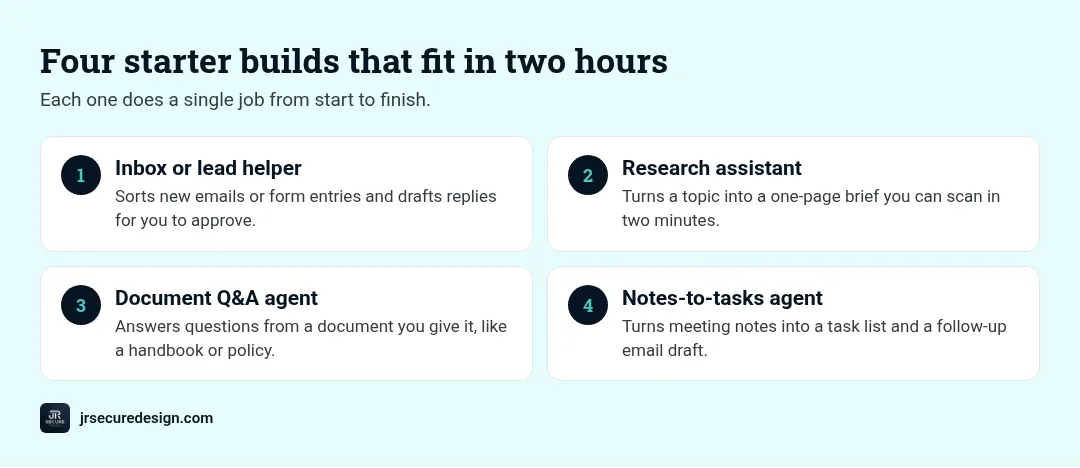
These are the starter projects we suggest for a first night:
1. Inbox or lead helper. It reads new emails or form entries, sorts them by type and drafts replies for you to approve. Nothing gets sent without you.
2. Research assistant. You give it a topic, and it gathers what it finds into a one-page brief you can scan in two minutes.
3. Document Q&A agent. It answers questions from a document you give it, like an employee handbook or a policy, so you stop searching for the same answer twice.
4. Notes-to-tasks agent. It turns meeting notes into a clean task list and a follow-up email draft.
Each one does a single job from start to finish. That’s the point. A small agent that works beats an ambitious one that’s half-built.
How the two hours usually go
Every Build Night follows the same simple flow (all times ET):
- 8:00 — Welcome and setup. Everyone gets connected and signed in to their AI account.
- 8:15 — The plain-English basics. What an agent is, what it isn’t, and how to keep it safe.
- 8:30 — Build time. You build your agent step by step, with live help when you get stuck.
- 9:40 — Optional share-outs. Show the group what you built if you’d like.
- 10:00 — Done. You leave with a working agent and a one-page blueprint for improving it.
The three guardrails you’ll add on night one
Most first-agent tutorials skip security and promise to cover it later. We start with it, because habits are easiest to build on your first agent. Every agent gets three guardrails:
- It sees only what it needs. Give it the sample emails, not your whole inbox.
- It changes only what you allow. Drafting is fine. Sending, deleting or paying isn’t, unless you decide otherwise.
- It checks with a human first. You approve anything that matters before it goes out.
This matches the direction of recent public guidance. In October 2026, NIST, the NSA and CISA published key practices that include limiting agent access to information, systems and tools, and monitoring for unexpected activity (CISA, Oct 16, 2026). That guidance was written for teams building very advanced AI systems, but the core habits apply to a first agent too.
Common first-night mistakes (and easy fixes)
- Picking too big a task. “Run my marketing” is a month. “Draft three social post ideas from this week’s blog” is a night.
- Using real client data to test. Use samples or made-up examples while you learn.
- Giving the agent permission to send. Keep it on drafts until you trust it.
- Skipping the blueprint. Write down what the agent does and what it can reach. Future you will thank you.
Your first AI agent, built securely in one evening.
Bring a free account on any AI platform and one small task.
Or call (202) 892-7189. Or email sales@jrsdi.com.
Who’s leading the sessions
Build Nights are led by James DeCrescenzo, founder of JR Secure Design, with 25+ years in technology and security. Our work is aligned to recognized security practices, and we teach the same habits we use on client builds.
Frequently asked questions
What do I need to build my first AI agent?
A laptop or desktop with a browser, a free account on any AI platform (Grok, OpenAI, Anthropic or similar), and one small task you’d like to hand off.
Do I need a paid AI account?
No. A free account is enough for a first build. There’s no cost to take part in Build Night.
What can a beginner build in two hours?
One small agent that does one job well, like an inbox helper, a research brief, a document Q&A agent or a notes-to-tasks agent.
Do I need to know how to code?
No. Build Night is designed for beginners. If you can use a web browser, you can follow along.
Can I come back and build something else?
Yes. Returning attendees are welcome. You can bring a new task each week.
Request your seat
Your first AI agent, built securely in one evening.
Free Tuesday AI Build Night starts Tue, Nov 3, 8–10 PM ET, online on Microsoft Teams. Beginners welcome, no coding needed. Bring a free account on any AI platform.
Or call (202) 892-7189. Or email sales@jrsdi.com.
Related reading: AI Security for Small Business · What Is Prompt Injection? · Free AI Agent Build Night
If you can think it, we can build it securely. Artificial Intelligence · Security · Applications · Hardware · jrsecuredesign.com