Shadow AI is when employees use AI tools for work without approval from IT or leadership. Think personal ChatGPT, Claude, or Gemini accounts, free AI browser extensions, or AI note-takers that join meetings on their own. It usually starts with good intentions. The risk is that company and customer data ends up in tools nobody is managing.
This is no longer a fringe problem. In IBM’s Cost of a Data Breach Report 2026, security incidents involving shadow AI more than doubled in one year, to 43% from 20%. IBM also found that 68% of the breached organizations it studied lacked the AI governance needed to manage AI or detect shadow AI.
Below are five signs shadow AI is already inside your company, why it matters for small and mid-sized businesses, and a practical plan to bring it under control without banning the tools your team relies on.
What is shadow AI?
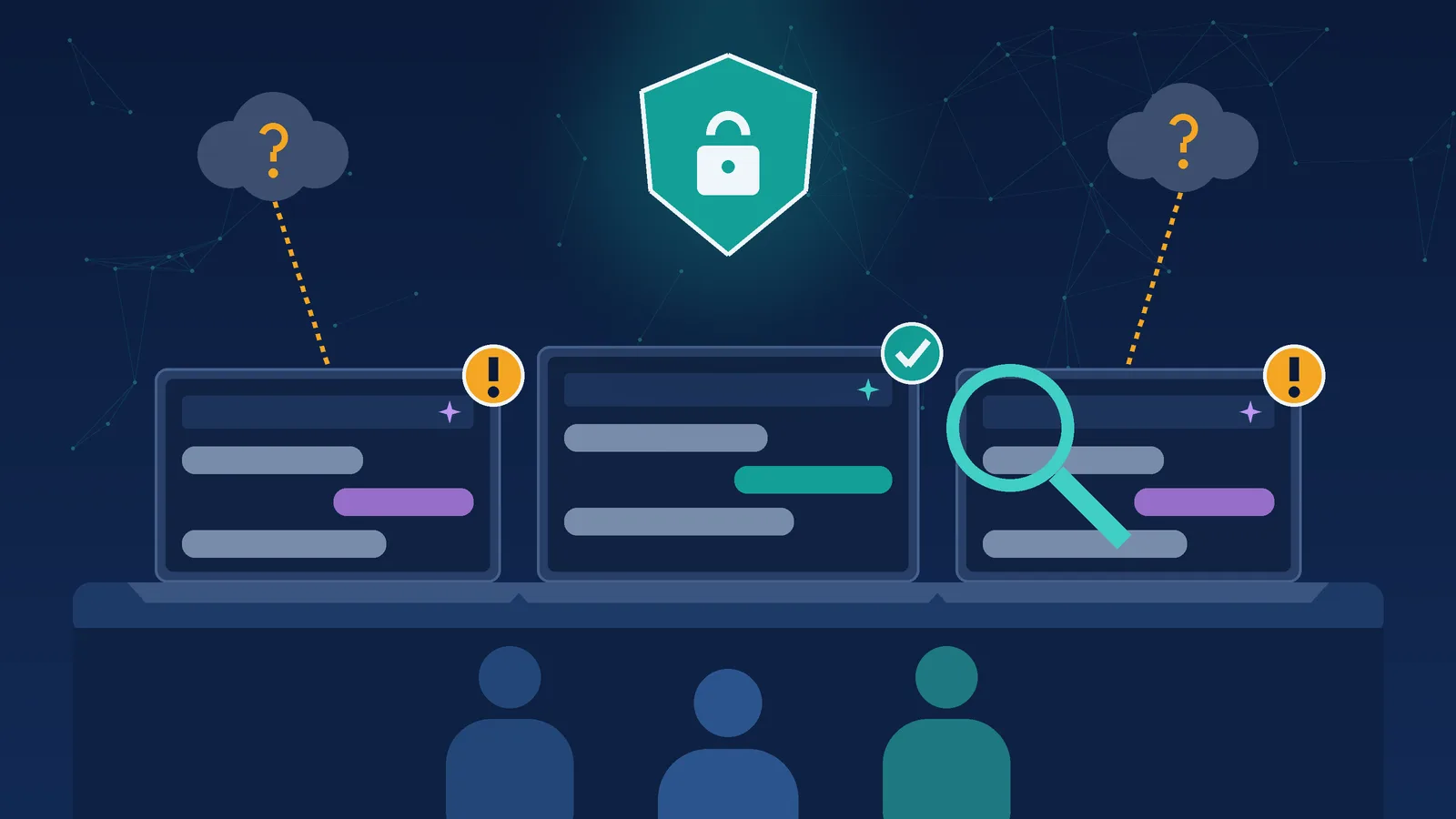
Shadow AI is the AI version of shadow IT. Shadow IT means software or cloud services that employees adopt without the company’s knowledge. Shadow AI means the same thing for AI tools, AI features inside other apps, and AI agents or automations that connect to company data without review.
Common examples of shadow AI in a small or mid-sized business include:
- Personal chatbot accounts used for work. An employee pastes a client email, a contract, or a spreadsheet into a free consumer account to get a quick summary.
- AI browser extensions and writing assistants. Free plug-ins that can read the pages, emails, and documents a person has open.
- AI meeting note-takers. Bots that join calls, record them, and store transcripts outside your systems.
- AI features switched on inside existing apps. New assistants in your CRM, help desk, or file-sharing tools that were enabled without anyone checking what data they can see.
- Do-it-yourself automations and agents. A team member connects an AI tool to a shared inbox, drive, or database to save time, using their own login.
None of this means your employees are doing something malicious. In most companies, shadow AI is a sign that people found AI useful before the business gave them a safe, approved way to use it. That is good news, because the fix is about guardrails, not punishment.
Why shadow AI security matters for small businesses
The behavior is widespread. In Okta’s AI Agents at Work 2026 research, 52% of employees admitted to using AI tools without approval, often through personal accounts. Okta also found that workers using unapproved AI tools were more likely to share sensitive information with them.
Most small businesses have not caught up on policy yet. The Pax8 SMB AI Pulse report for Q2 2026 found that only 23% of small and mid-sized businesses have a documented AI use policy, with another 24% working on one. Security and privacy were the top barrier to AI adoption in the same research.
Lean teams make it harder to see. IDC research from June 2026 notes that 40% of small and mid-sized businesses have no full-time IT employee. When nobody owns technology full time, nobody is watching which AI tools get adopted, which accounts they use, or what data flows into them.
Insurers are starting to ask about it. According to CBIZ’s September 2026 guidance on cyber insurance controls, carriers are evaluating AI policies and may restrict coverage where AI governance is missing. CBIZ recommends an AI acceptable-use policy, an approval process for AI tools, employee training, and visibility into AI activity.
One caution on the numbers: IBM’s breach research covers organizations of all sizes, not only small businesses. But the pattern is the same at every size. When AI adoption moves faster than oversight, data leaves the building in ways nobody planned for.
5 signs shadow AI is already in your company
1. Nobody can list every AI tool your team uses
Ask your managers a simple question: which AI tools does your team use every week, and under which accounts? If the answers are vague, different from department to department, or include “I’m not sure,” you have shadow AI. An accurate AI inventory is the starting point for every other control, and most businesses do not have one until they go looking.
2. Employees use personal AI accounts for company work
Personal accounts are the most common path for shadow AI. They sit outside your single sign-on, outside your data-retention settings, and outside your offboarding process. When someone leaves the company, their chat history, uploaded files, and saved prompts can leave with them. Consumer accounts are also not designed for confidential business or client data.
3. AI note-takers and browser extensions show up without review
If AI meeting bots appear on client calls, or staff install AI extensions to speed up email and research, those tools may be recording conversations or reading documents. Nobody has checked where that information is stored, how long it is kept, or whether it is used to train a model. These tools are easy to install and easy to forget, which is exactly why they need an approval step.
4. Company or client data appears in AI prompts
Watch for signs that sensitive information is being pasted into public tools: contract language, HR details, financial records, customer lists, source code, or patient and donor information. Even a single upload can create a disclosure problem with clients, regulators, or your cyber insurer. Your team may not realize that “just summarizing” a document still means sharing it with an outside service.
5. You have no written AI policy or approved-tools list
If your company has not written down which AI tools are approved, what data can and cannot go into them, and who approves new tools, every employee is making those decisions alone. That is the definition of shadow AI. A short, plain-language policy plus a list of approved tools removes the guesswork for everyone.
If two or more of these signs sound familiar, assume shadow AI is already part of how your business runs. That is common, and it is fixable.
How to bring shadow AI under control without banning AI
Banning AI outright rarely works. People keep using the tools on their phones and personal laptops, and the business loses even more visibility. A better approach is to make the safe path the easy path. Here is a practical sequence most small and mid-sized businesses can start this month:
- Find it. Run a short, no-blame survey, review sign-in and app logs, check browser extensions, and look for AI features already enabled in your software.
- Approve safer alternatives. Move everyday work to business or enterprise AI accounts with single sign-on and data-retention settings, so employees keep the productivity and the company keeps control.
- Write a one-page AI acceptable-use policy. List approved tools, the data that must never go into public AI, and how to request a new tool.
- Lock down access. Give AI tools and agents only the access they need. Least-privilege access and logging matter even more once AI connects to your systems.
- Train your team. Show people what good AI use looks like, with real examples from their own work.
- Decide where private AI fits. For the most sensitive data, a private or hybrid AI setup keeps work inside an environment you control.
Access control deserves special attention. IBM found that 92% of organizations that experienced an AI-related breach lacked proper AI access controls, such as role-based access and multifactor authentication. Getting identity and permissions right before you scale AI is one of the most effective steps you can take.
| Shadow AI | Governed AI | |
|---|---|---|
| Accounts | Personal logins, no single sign-on | Business or enterprise accounts with single sign-on |
| Data | Anything employees choose to paste in | Clear rules on what data is allowed, plus retention settings |
| Visibility | Unknown tools and usage | An inventory of approved tools and AI activity |
| Access | Broad or unchecked connections to company data | Least-privilege access, logging, and human approval for risky actions |
| Insurance and clients | Hard to explain or document | A written policy and controls you can show |
How JR Secure Design helps you find and fix shadow AI
JR Secure Design Inc. helps small and mid-sized businesses use AI without leaking company data. Most engagements start with an AI readiness assessment. It is a fixed-scope review of shadow AI, data permissions (including Microsoft 365 Copilot and SharePoint oversharing), and the use cases worth pursuing, delivered as a prioritized plan in weeks, not months.
From there, we put secure AI adoption and governance in place: approved tools, enterprise accounts with single sign-on and data-retention settings, an AI usage policy, shadow-AI visibility, and staff training. We also handle AI security, including access controls for AI tools and agents and defenses against deepfake and AI-enabled phishing fraud.
When public tools are the wrong fit for your data, we design Private AI infrastructure for business on dedicated local servers, private cloud, or hybrid setups. And if you need someone to own AI governance and technology decisions on an ongoing basis, our fractional CTO services put an experienced technology leader on your team part-time. New to the idea? Read What Is a Fractional CTO?
Nonprofits face the same challenge. The NTEN and Bridgespan 2026 State of Nonprofit AI report found that informal, individual AI use is common across nonprofits and that data privacy is the clearest barrier. Our AI Strategic Advisor platform, with 50+ AI agents, is free for nonprofits and is deployed with the same guardrails.
Frequently asked questions about shadow AI
What is shadow AI?
Shadow AI is when employees use AI tools, AI features, or AI agents for work without approval from IT or leadership. Common examples include personal chatbot accounts, AI browser extensions, and AI meeting note-takers. The main risk is that company or customer data flows into tools the business does not manage.
Is shadow AI the same as shadow IT?
Shadow AI is a type of shadow IT. Shadow IT covers any unapproved software or cloud service. Shadow AI is riskier in one specific way: people actively paste documents, emails, and data into AI tools to get answers, so sensitive information leaves your environment faster.
How do I detect shadow AI in my company?
Start with a no-blame survey of which AI tools people use and under which accounts. Then review sign-in and app logs, browser extensions, and AI features already enabled in your software. An AI readiness assessment combines these steps into a single inventory and risk list.
Should we ban ChatGPT and other AI tools at work?
Usually not. Bans tend to push AI use onto personal phones and accounts, which reduces visibility. A better approach is to approve business-grade tools with single sign-on and data-retention settings, publish a short AI acceptable-use policy, and train your team.
How do we stop employees from putting company data into public AI tools?
Give them an approved alternative, write clear rules about which data can never go into public AI, and set up access controls and monitoring. For your most sensitive data, a private or hybrid AI setup keeps the work inside an environment you control.
Find out where shadow AI is hiding in your business
Shadow AI is a sign your team wants to work faster. The goal is to keep that speed while protecting your data, your clients, and your insurance coverage. The first step is a conversation about which tools are in use today and what a safer setup would look like for your business.
Book a 30-minute strategy call, call us at (202) 892-7189, or send us a message. JR Secure Design Inc. is based in Fort Lauderdale, Florida, and works with businesses nationwide.